Step 3 Open the "ModelBuildV1.1.0_x64" file and find the
"BIGTREE_Tools" application in the folder, then double-click to open it.
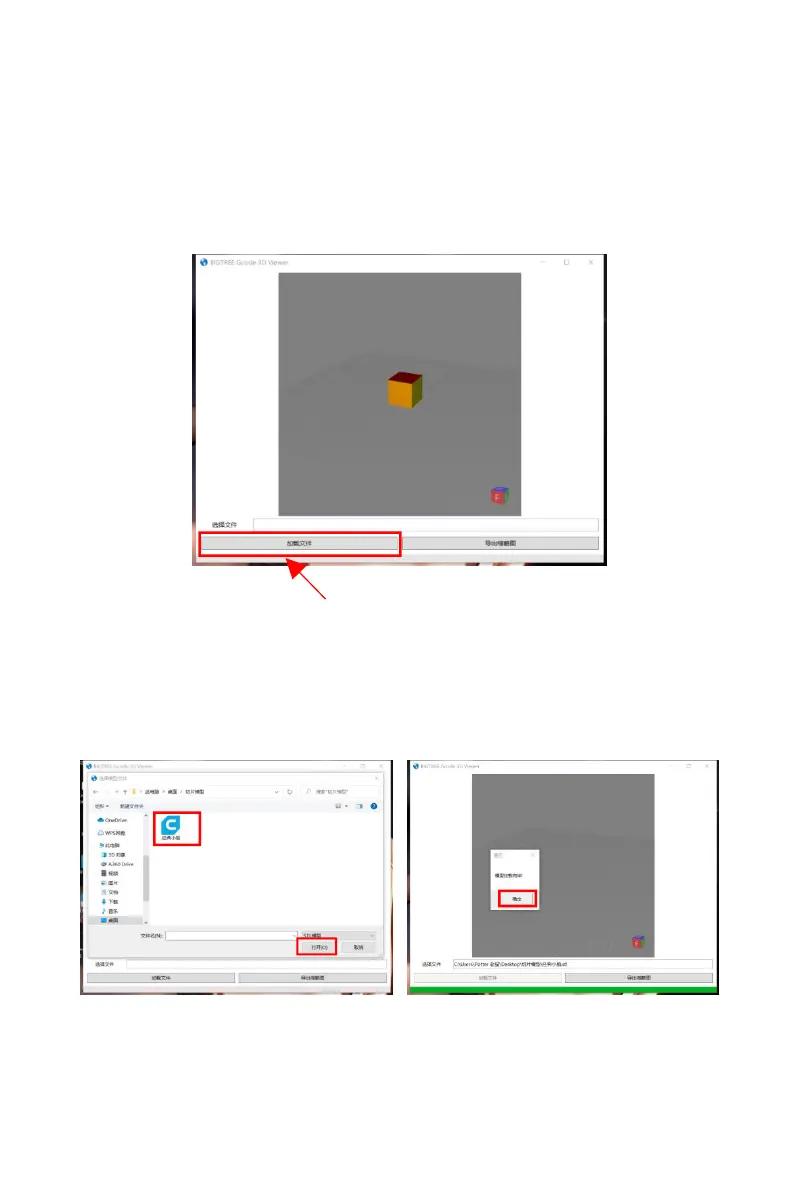
The following software window will pop up.
Click "Load File" to find the stl format model file that users want to
slice. Select the model file and click "Open", the software will
automatically load the model.
After the model has been loaded, click "OK".



 To Next Page