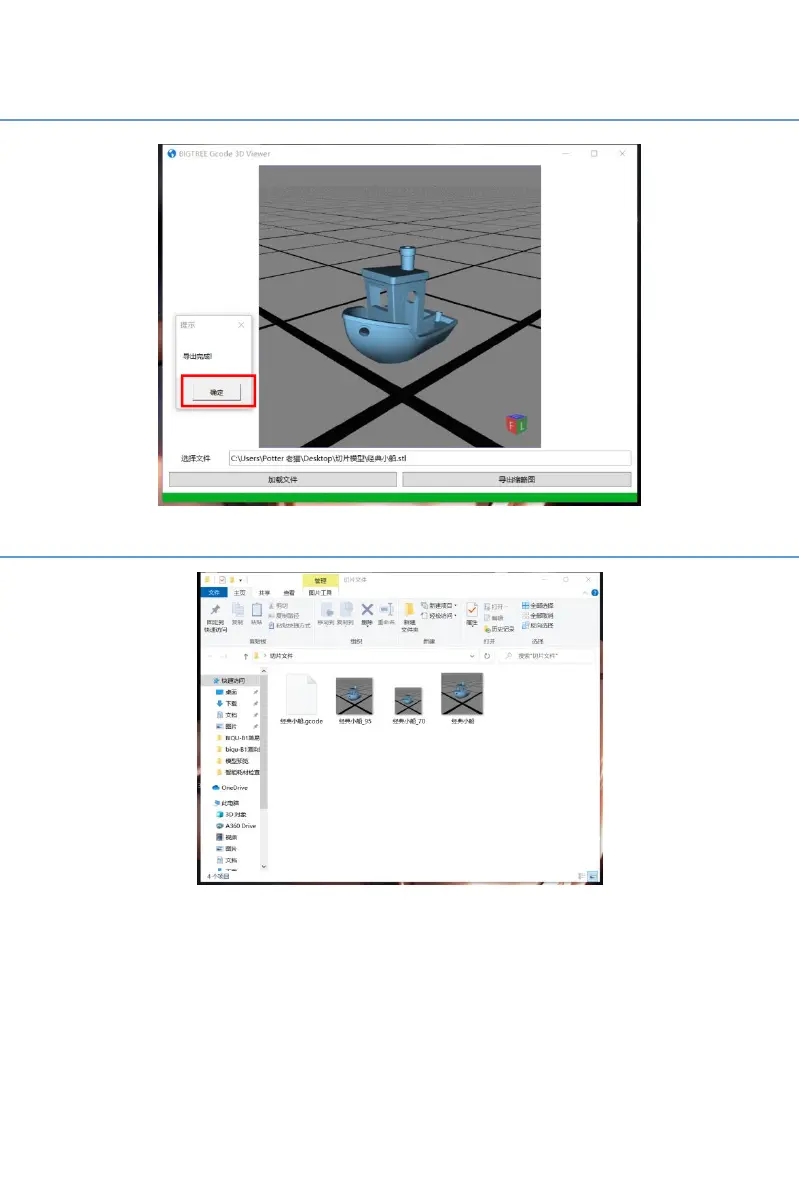
After the thumbnail has been outputted, click "OK".
The thumbnail file of the model is required to be placed in the same
folder with the G-code file.The 3D printer will automatically recognize the
G-code file corresponding to the thumbnail.
Note: Save the G-code file in the root directory of TF card, and name
of G-code should be same as the thumbnail’s.



 To Next Page