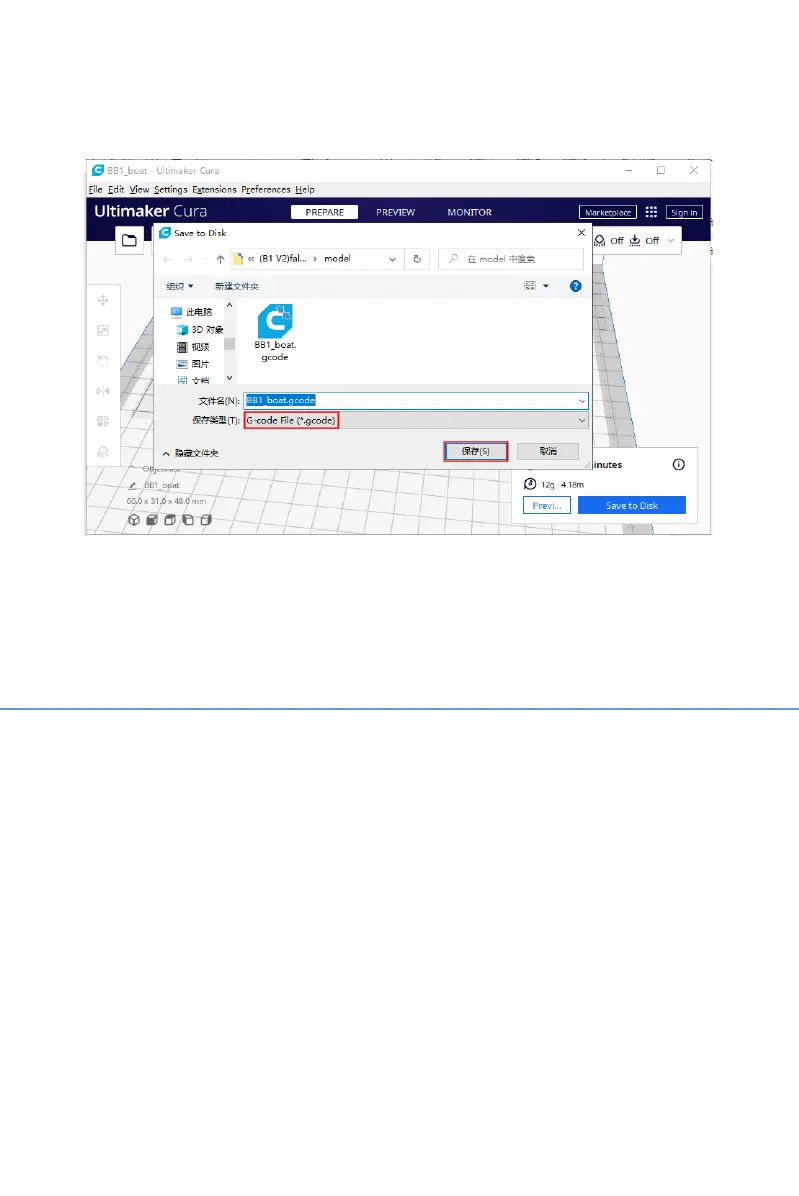
6. Printing
Note:
DO NOT remove the microSD card when the machine is
powered on because the firmware is stored on the microSD
card. If you remove the microSD card, the following can
and will happen:
1. The machine will freeze immediately.
2. The installed OS on the microSD can be damaged and
will need to be reflashed.
3. MicroSD can be damaged and you will need a brand new
high quality microSD card.



 To Next Page