6.1 Print via a MicroSD Card
Step 1
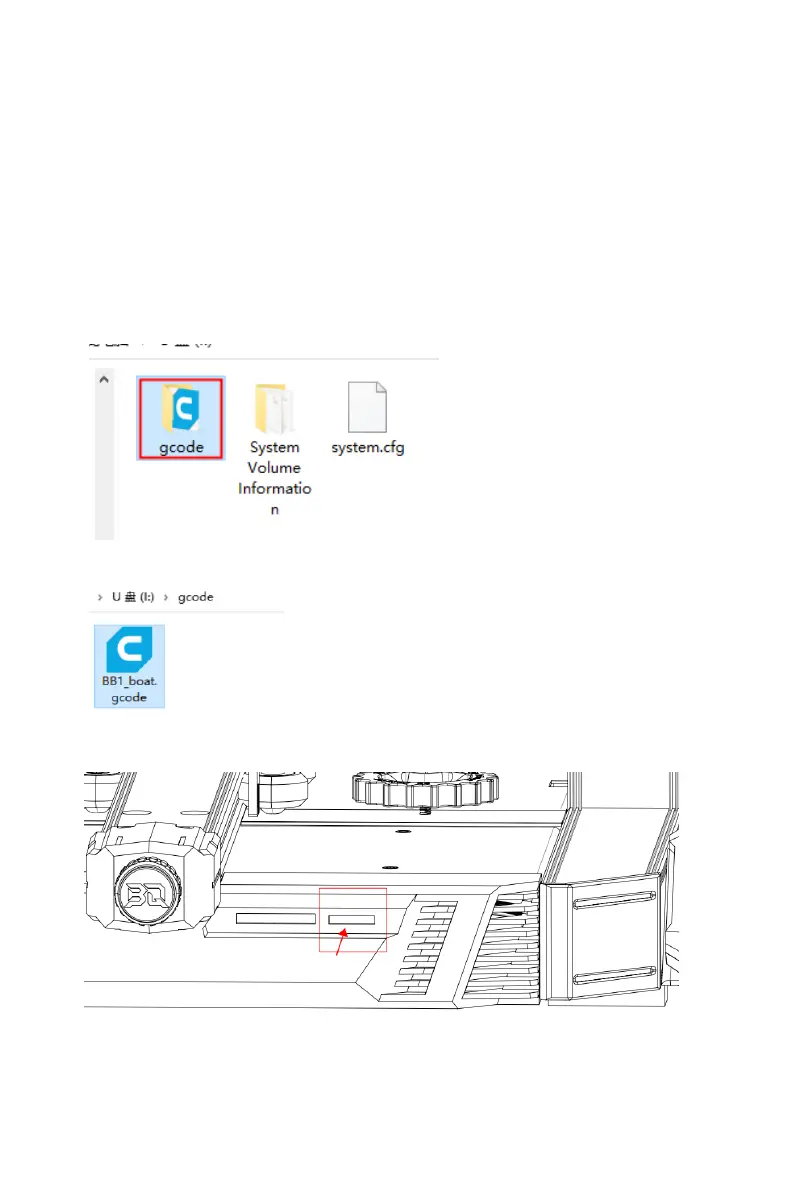
Power down the printer, then remove the micro SD card,
transfer the gcode file into the microSD card folder, insert
the microSD card back, power the printer on again and
select your file to print.
Transfer the gcode into the gcode folder:
Step 2
Insert the microSD and power the printer on again.



 To Next Page