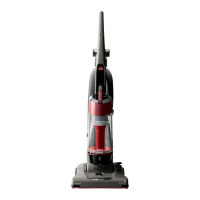
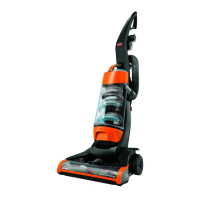
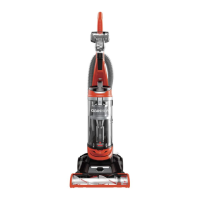
How To Use Your BISSELL CleanView ®
Note:
The Floor Brush will continue to rotate while you use your vacuum for above floor cleaning. To prevent
carpet damage, do not lean on the vacuum or let the Powerfoot tilt forward.
Handle Positions
CAUTION:
Before using your vacuum, make sure that the Dirt Container and Upper Tank are in locked position
and that all filters (Pre-Motor and Post-Motor) are in place. Do not operate your vacuum without these
filters.
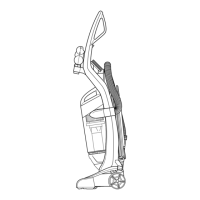
Press the Handle Release Pedal with your foot to place your CleanView into one of three cleaning
positions.
1. Upright– For storage and above floor cleaning with tools.
2. Normal Cleaning– Press Handle Release Pedal once. Use for most household floor cleaning
tasks.
3. Low Cleaning– With the vacuum in normal cleaning position, press Handle Release Pedal again.
Use for reaching under low furniture such as tables, chairs or beds.
Power Height Adjustment
The Powerfoot/Rotating Floor Brush on your BISSELL CleanView can be adjusted to clean several floor
surfaces.
NOTE: For optimal cleaning performance, adjust to the lowest practical setting. If your cleaner is
difficult to push, adjust to the next higher setting.



 To Next Page
 Loading...