Operating instructions SC II Operation
61429850113 en-US 43 / 107
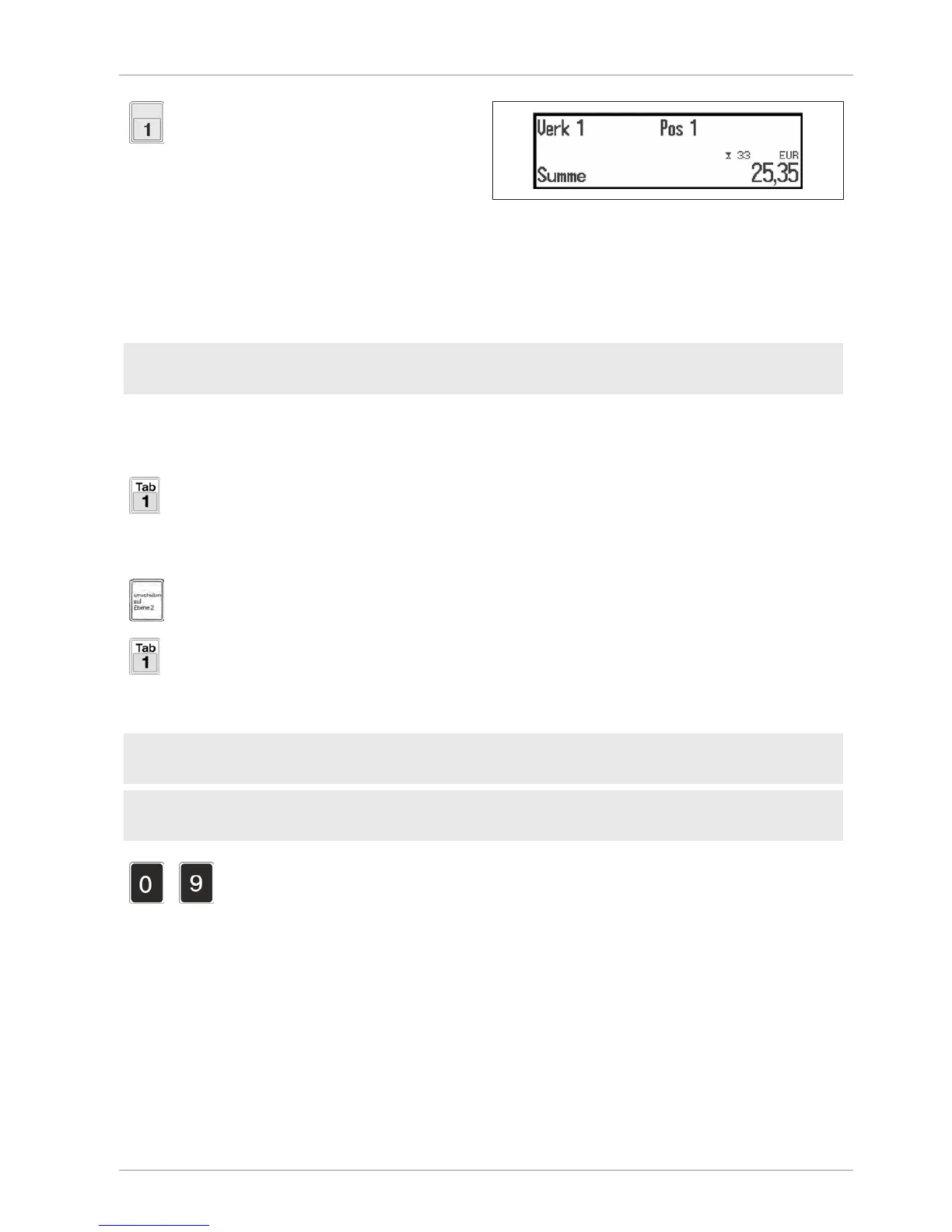
Press operator key, e.g.<OP1>.
Illustration40: Total display
Total is displayed and ticket printed.
If "Pay-in/pay-out" is set, the pay-in/pay-out
mode is started before total printout [}61].
6.6 PLU call-up
PLU = Price Look Up
Article is displayed with price, text etc.
Menu setting
- Define PLUs in PLU maintenance.
PLU call-up can take place according to three different procedures:
6.6.1 Direct PLU call-up
Direct access via PLU key, e.g. <PLU 1>.
PLU call-up via second keyboard level
Level 2 is activated.
Direct access via PLU key, e.g. <PLU 1>.
Direct access via PLU key, e.g. <PLU 1>.
6.6.2 Indirect PLU call-up
Menu setting
- In configuration < Basic sales settings>, select 5363 / PLU No.
Basic setting
- Select "Set", "Timeout" or "Enter" from the PLU Confirmation menu.
-
Enter PLU no.
PLU confirmation takes place after:
– Filling of PLU input places [set]
– Expiration of about 0.5 seconds [Timeout]
– the <Enter> key has been pressed.


 To Next Page
 Loading...



