17
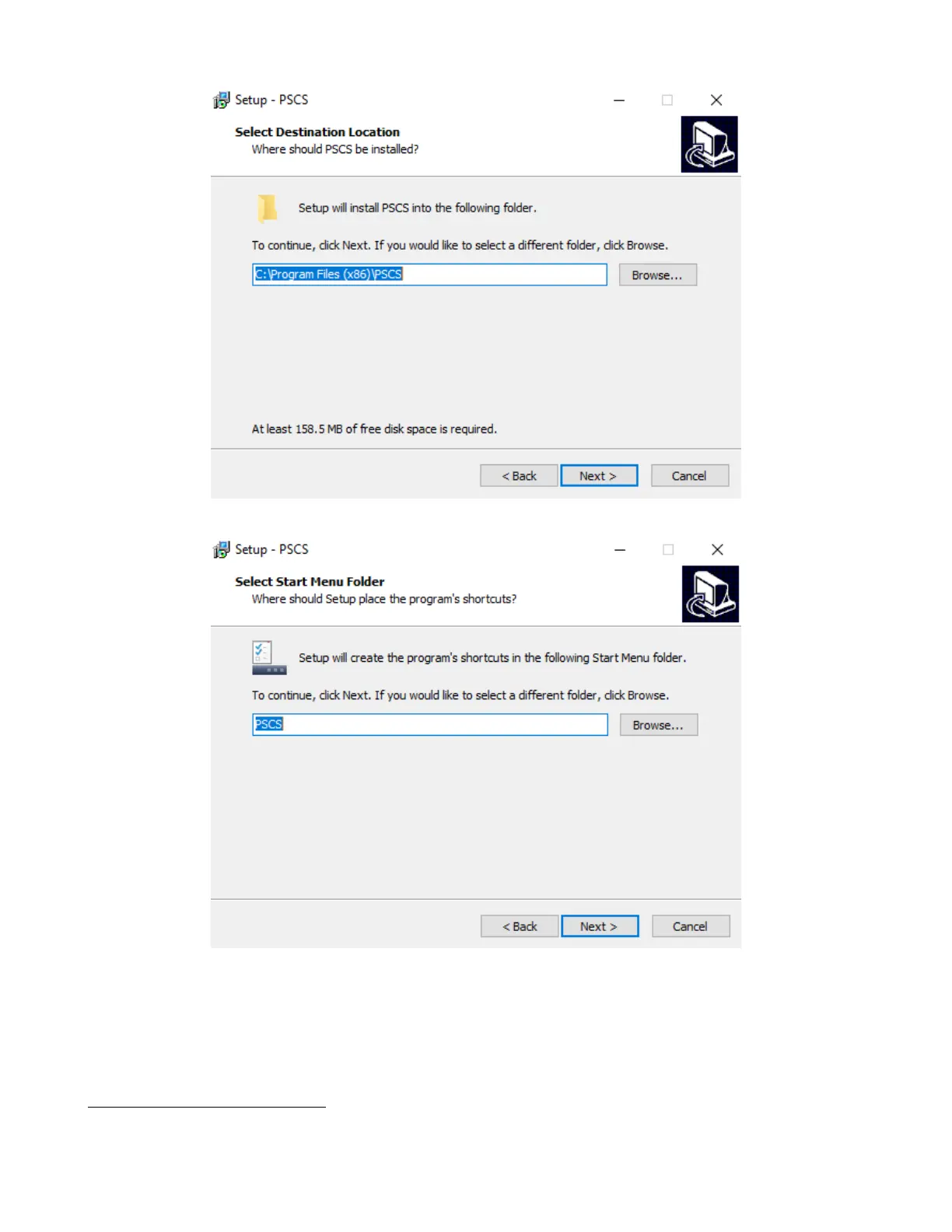
Figure 7.5
Figure 7.6
Also, the software uses the “SCPI” protocol, this must be enabled, see Section 7.4.2. With the instrument connected,
open the PC software. Figure 7.11 shows the screen to expect when the software starts. If there is already a saved
connection the software will automatically connect to the instrument.
7.4.1 Setup a new instrument
www.GlobalTestSupply.com
Find Quality Products Online at: sales@GlobalTestSupply.com









 To Next Page