• To go back to the previous screen, tap .
• To go to your home screen, tap .
• To see your recently opened apps and screens, tap .
Touch screen gestures
Take a moment to learn the common gestures that you can use on the touch screen.
Wake up your device
Tap the screen twice.
Select items
Do any of the following:
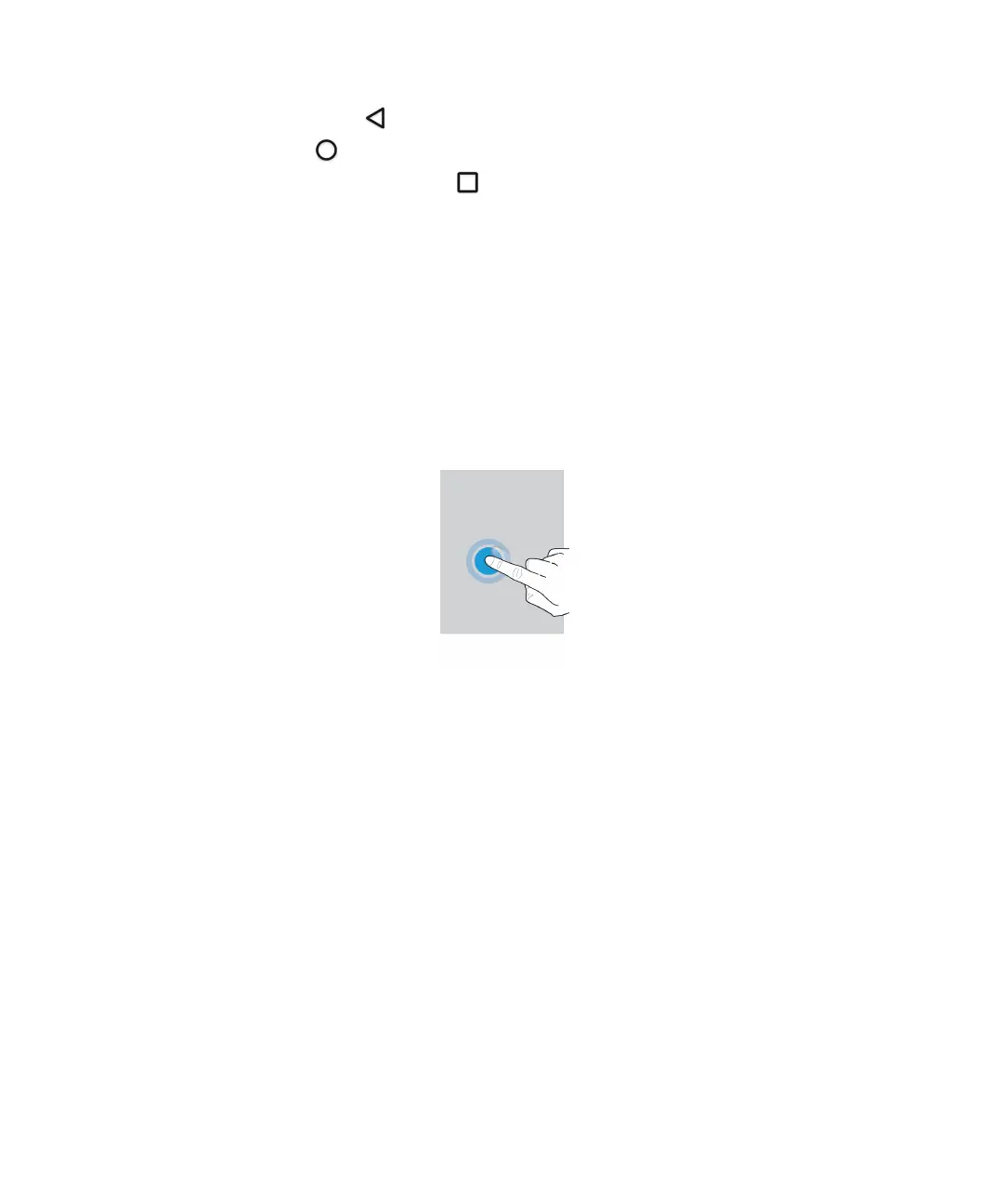
• To select an item, tap it. If the item can be opened, it opens.
• To select multiple items, such as photos that you want to share or email messages that you want to delete, touch and
hold one item. Tap more items. To clear an item, tap it again.
User Guide Setup and basics
10














 To Next Page