Settings
Customize your device settings
1.
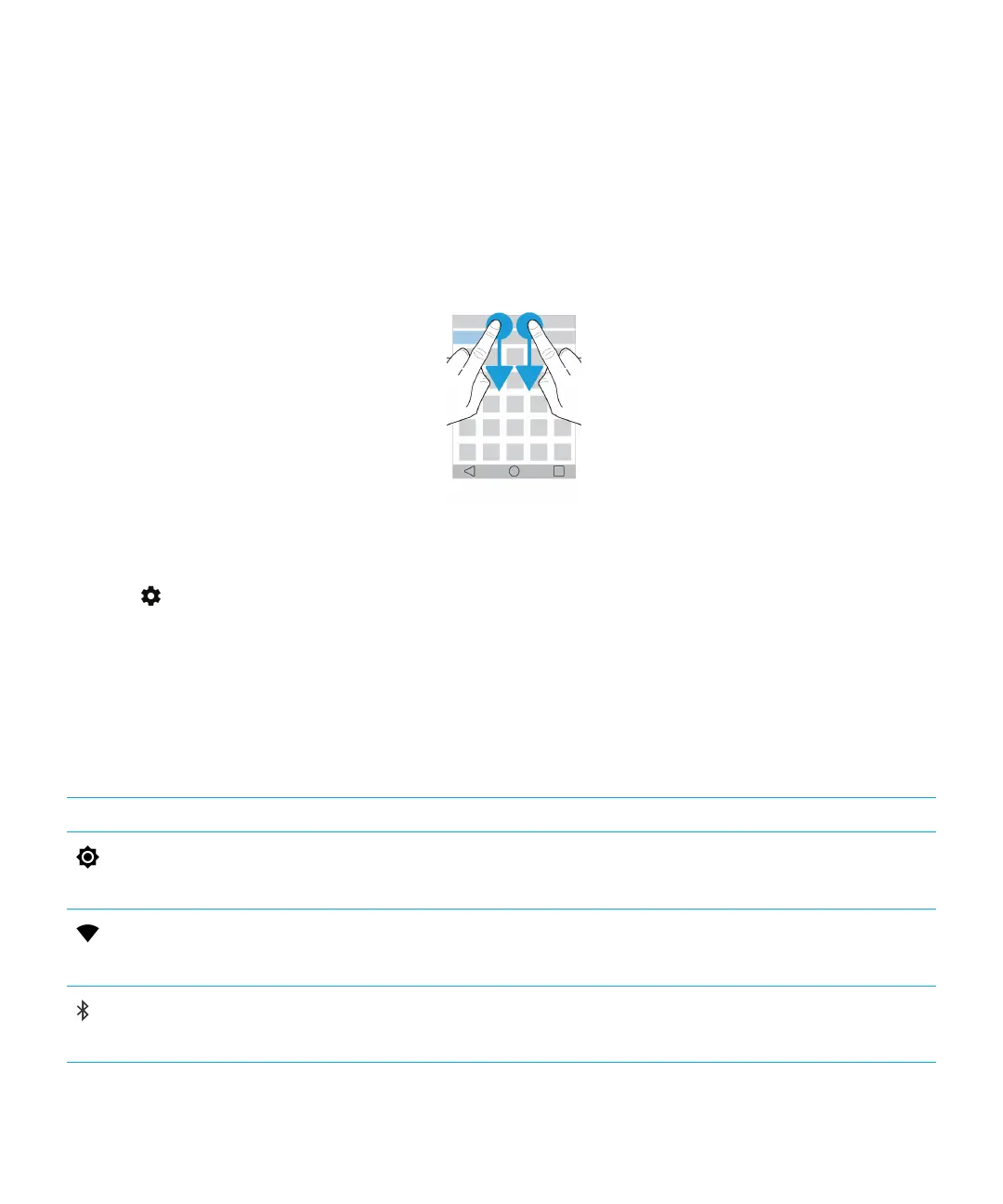
Swipe down from the top of the screen once using two fingers, or twice using one finger.
The Quick Settings menu is displayed to let you access options and settings you might want to interact with
regularly, such as Auto-rotate or your network connections.
2.
Tap .
3. Tap the item that you want to customize.
Overview of Quick Settings
You can use Quick Settings to access items that you use frequently, such as screen rotation or Wi-Fi settings. To open Quick
Settings, swipe down from the top of the screen once using two fingers, or twice using one finger.
Item
Description
Screen Brightness
• Adjust the screen brightness.
Wi-Fi
• Connect to Wi-Fi networks.
Bluetooth
• Connect to Bluetooth enabled devices.
User Guide Settings
56














 To Next Page