Item Description
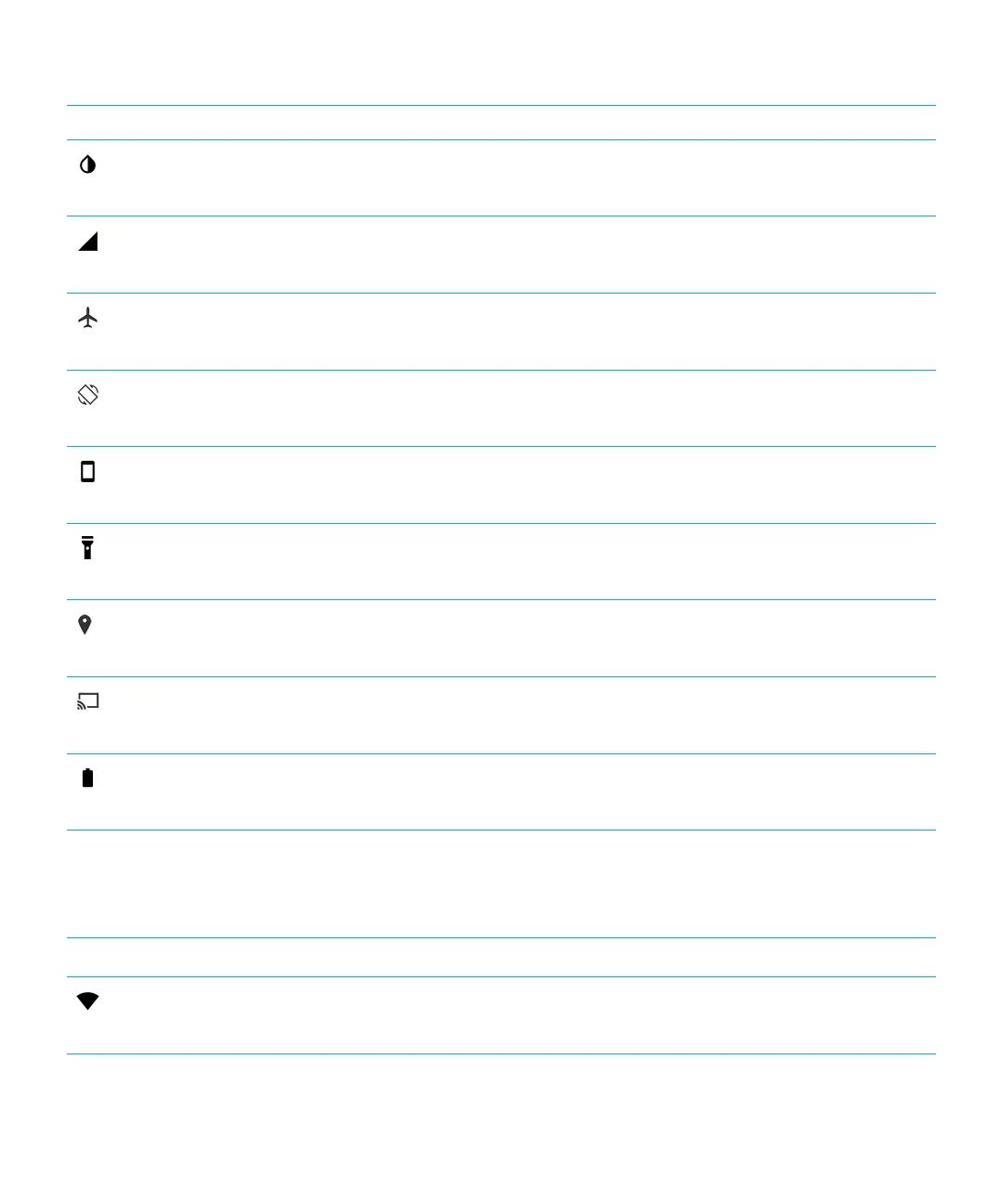
Invert colors
• Switch between black text on a white background and white text on a
black background.
Mobile network icon
• View your service provider name and connection status.
• Quickly access your data usage information.
Airplane Mode
• Turn all wireless connections on or o.
Auto-rotate
• When displayed, your screen rotates automatically between portrait and
landscape mode when you turn your device.
Portrait
• When displayed, your screen remains in portrait mode even when you
rotate your device.
Flashlight
• Turn the flashlight on or o.
Location
• Turn location services on or o.
Cast screen
• Set up devices to share your screen wirelessly on an external display.
Battery saver
• Turn Battery saver mode on or o.
Overview of device settings
Item Description
Wi-Fi
• Set up connections to Wi-Fi networks.
User Guide Settings
57














 To Next Page