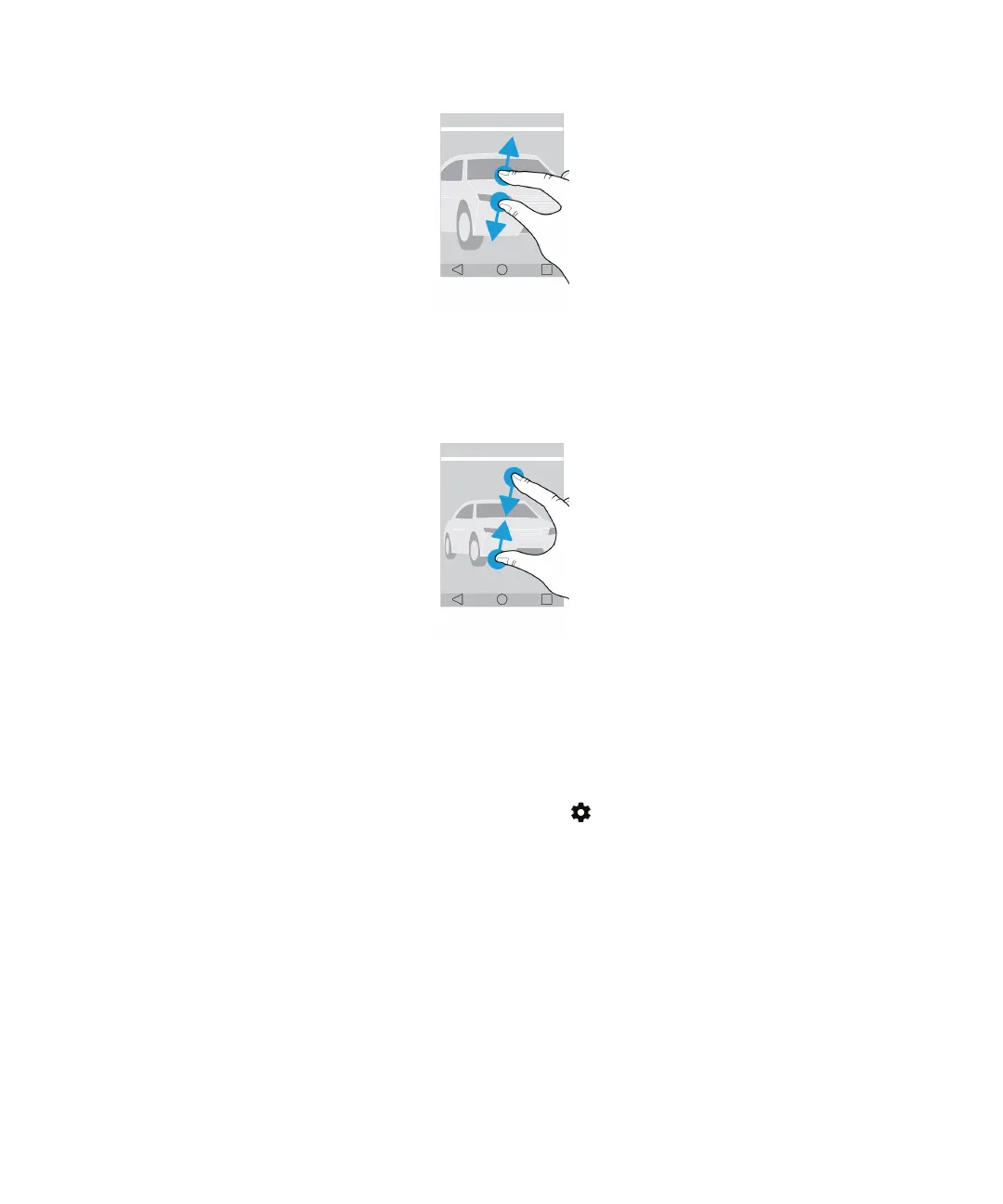
To zoom out, slide two fingers together.
Tip: In some cases, you can tap twice to zoom in or zoom out.
Motion gestures
You can use motion gestures to do things more quickly or eciently. To turn motion gestures on or o, swipe down from the
top of the screen once using two fingers, or twice using one finger. Tap > Advanced interactions.
Flip to mute
If this feature is turned on, when you receive a call and it isn’t a convenient time to respond, you can turn your device
facedown on a flat surface to silence the ringtone or vibration. You still receive a notification of the missed call.
To turn this feature on or o, tap the Flip to mute switch.
User Guide Setup and basics
14














 To Next Page