Item Description
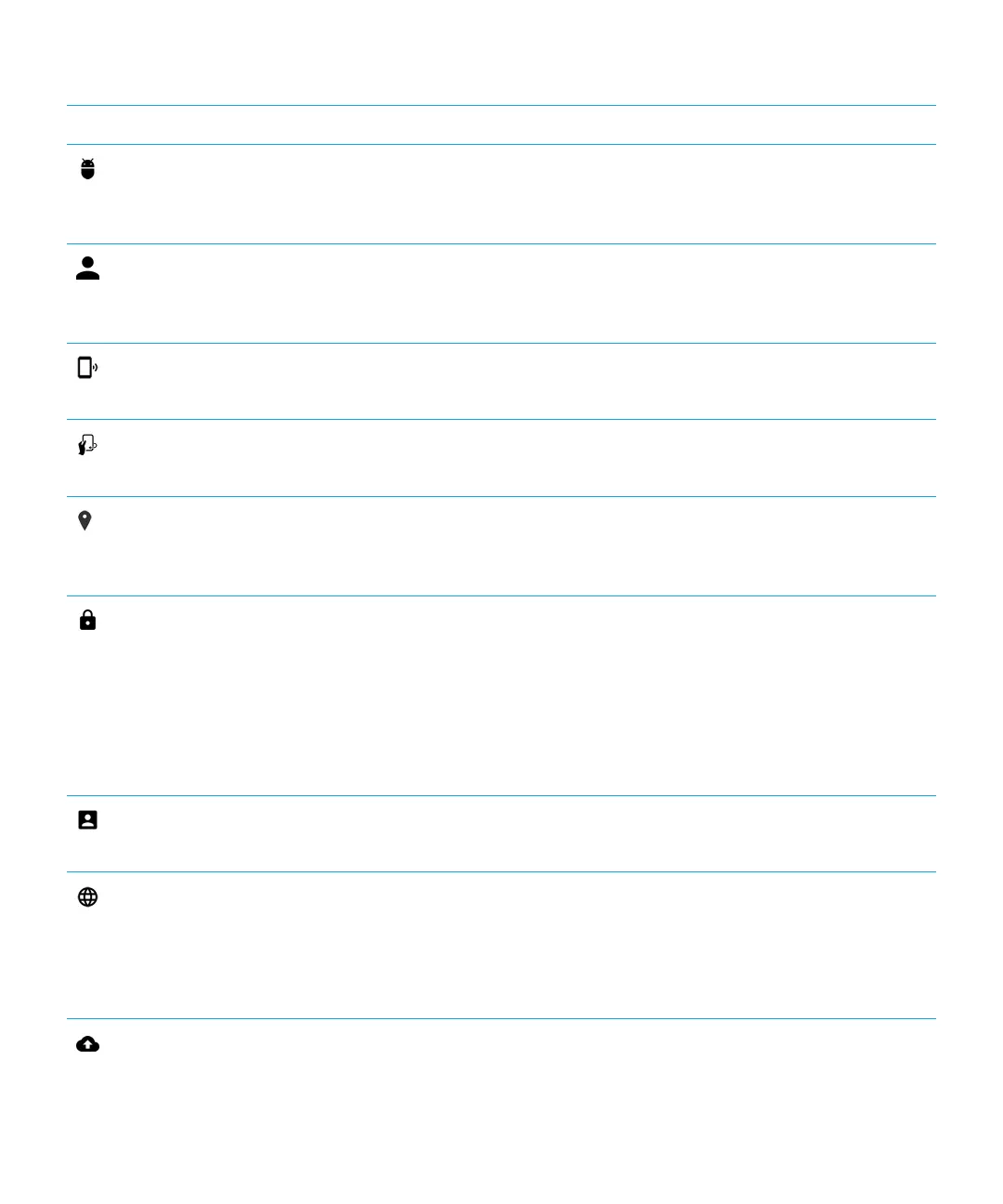
Apps
• Monitor apps that are using your device memory.
• View and sort all apps on your device.
• Select the location for installing apps.
Users
• Add individual user profiles to your device.
• Customize the settings for user and guest profiles.
• Switch between user profiles.
Tap & pay (if available)
• Add a payment app and choose which app is the default for payments.
• Use NFC technology at payment terminals to pay for your purchases.
Advanced interactions
• Turn specific gestures on or o that allow you to perform simple tasks
more quickly.
Location
• Choose whether apps can use your location information.
• Clear recent location requests that you entered in map apps.
• Choose dierent modes to identify your location.
Security
• Set up options for screen locking.
• Add a message or owner info to your lock screen.
• Encrypt your device data.
• Set up your device to use a smart card.
• Change permissions for installing apps and device administrators.
• Install and clear certificates.
• Turn screen pinning on or o.
Accounts
• Add or change email accounts.
• Turn the option to sync your accounts automatically on or o.
Language & input
• Change the language your device uses.
• Customize settings for spell checker and add words to your personal
dictionary.
• Change keyboard types and keyboard settings.
• Set dierent voice and text-to-speech options.
Backup & reset
• Turn the option to back up data to the cloud on or o.
User Guide Settings
59














 To Next Page