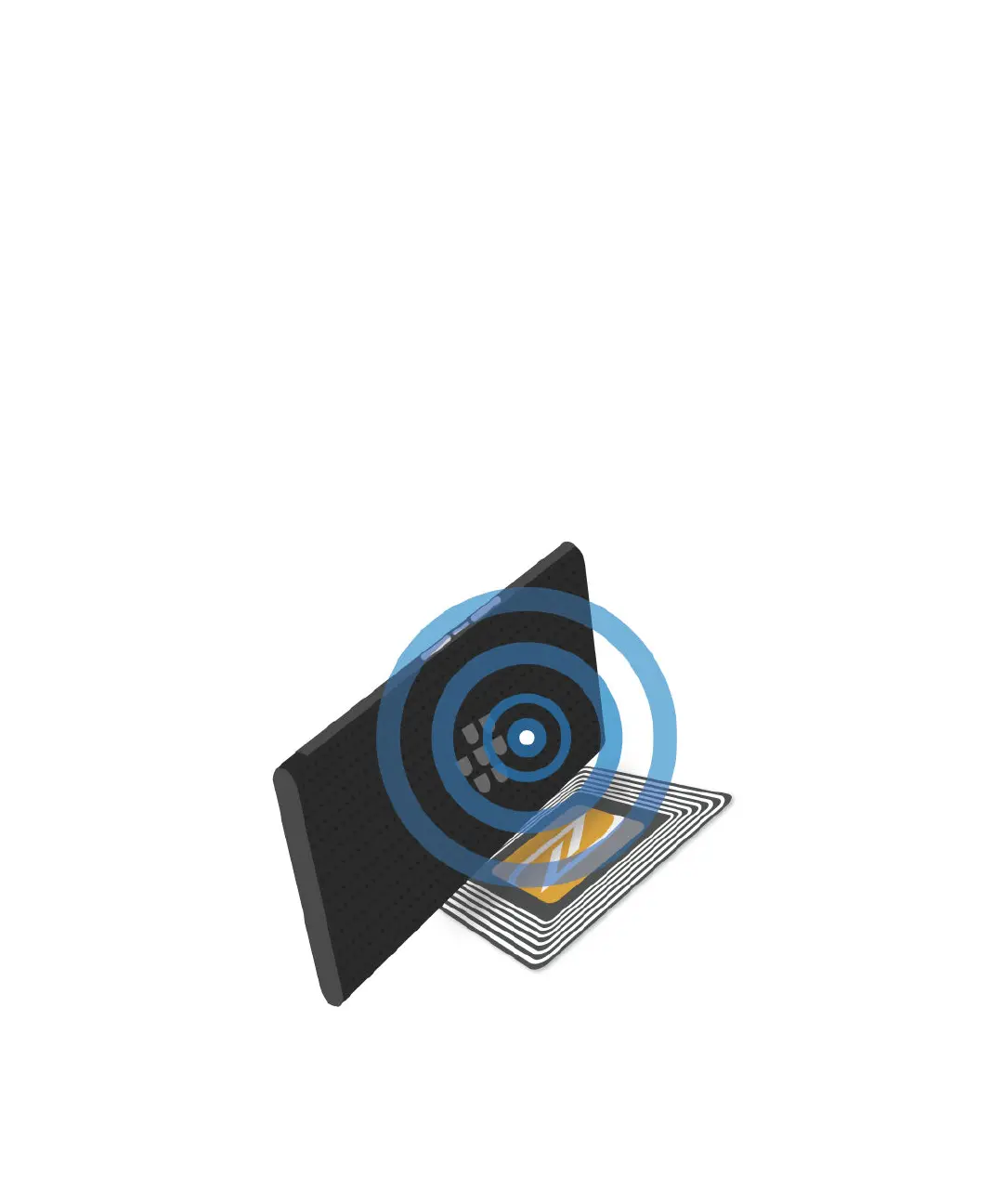
Depending on the apps you have installed on your device and the NFC compatibility of other devices, some of the ways you
can use NFC include:
• Pass a picture to your friend.
• Tap an NFC tag to unlock your device using the Smart Lock feature.
• Grab a coupon from a poster you see on the street.
• Send a webpage you're viewing to a friend.
• Transfer your device data to a new device.
• Exchange contact cards with a new friend or business acquaintance.
• Tap an NFC-enabled printer to print a message from your device.
Some NFC apps are designed to simulate a physical card, such as a credit card, a public transit pass, or an access badge.
Some of the ways you can use these types of NFC apps include:
• Pay for your morning
coee without taking out your wallet.
• Pay for your bus or subway ride.
• Gain access to your building when you get to work.
To use NFC, you simply tap the back of your device to the back of another NFC-enabled device or an NFC tag.
User Guide Settings
89














 To Next Page