USER
MANUAL
14
SCREEN AND LED INDICATIONS
This section explains Pria’s screen and LED indications.
Screen Icons
Screen Icon Description
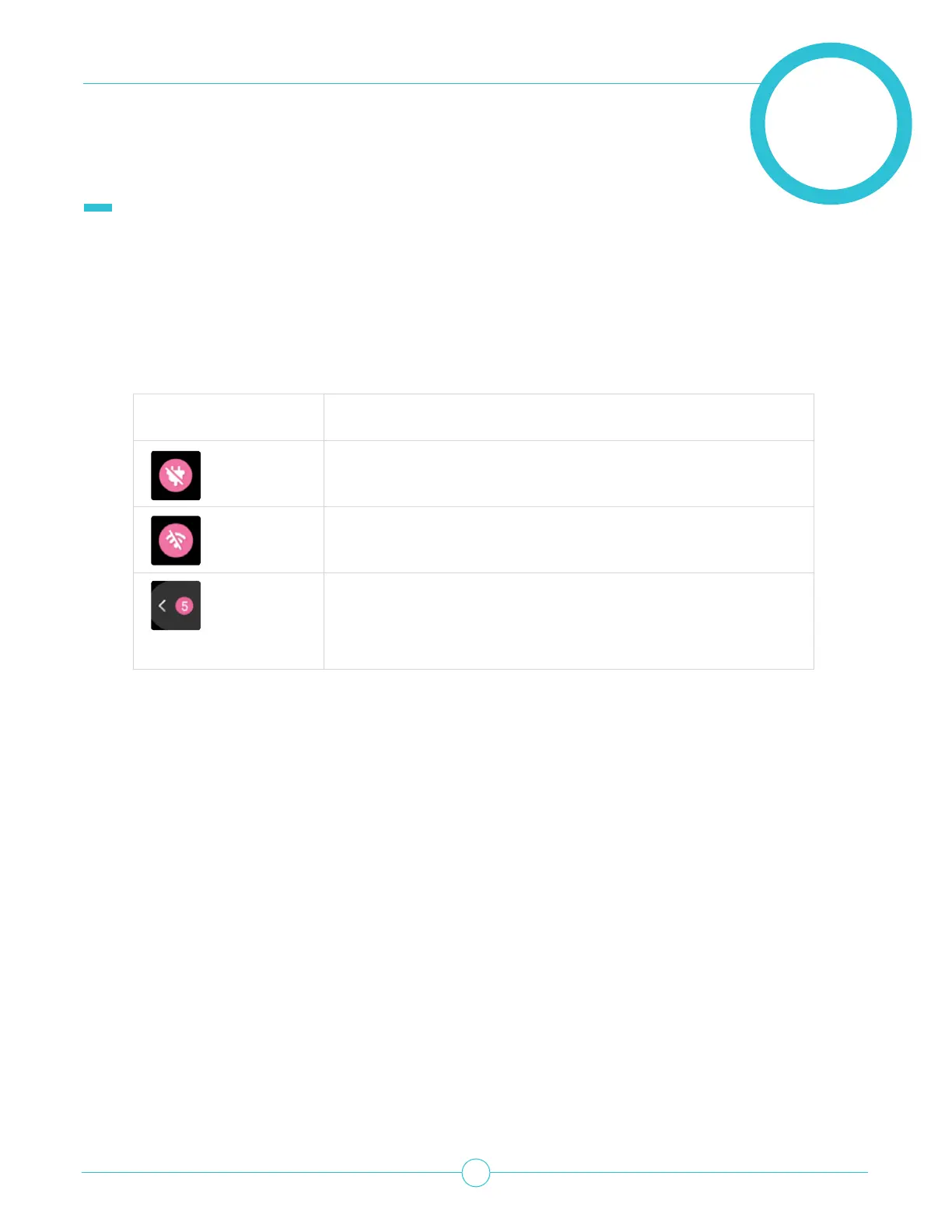
Device unplugged from AC power (device is using battery
power)
No WiFi connection.
Unstable WiFi, check your connection.
Notications Tab. Displays the number of
unread notications.
Tap the notication tab to view the notications.



 To Next Page