55
PRIA USER MANUAL
SETTINGS
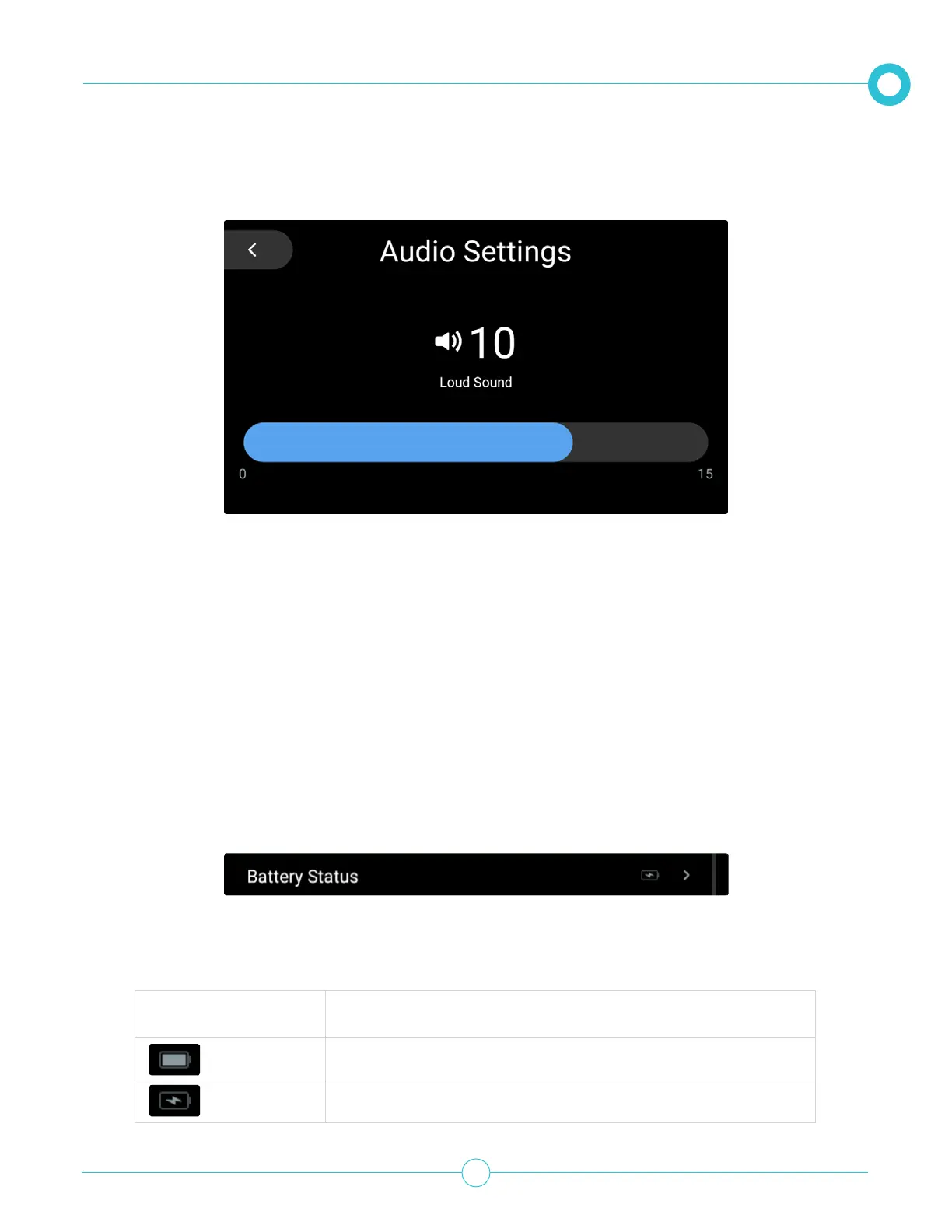
3. When you are satised with the sound level, tap the back arrow.
2. The battery level icon shows the current status of the battery or if the device is plugged into a power
source and is charging.
Viewing the Internal Battery Status
Pria has an internal rechargeable battery in case of a power outage. The battery can provide around 4-8
hours of power depending on usage. Keep in mind that Pria does not store much information on the
device. If you lose WiFi, most of your information cannot be accessed. The battery status can be viewed by
performing the following:
Note: You can always use your Pria mobile app as your reminder tool and remove the Pill Wheel from the
device to access your meds at any time!
1. From the Settings option, scroll down to Battery Status.
Icon Description
Fully charged
Plugged in and Charging



 To Next Page