60
PRIA USER MANUAL
SETTINGS
Checking for Software Updates
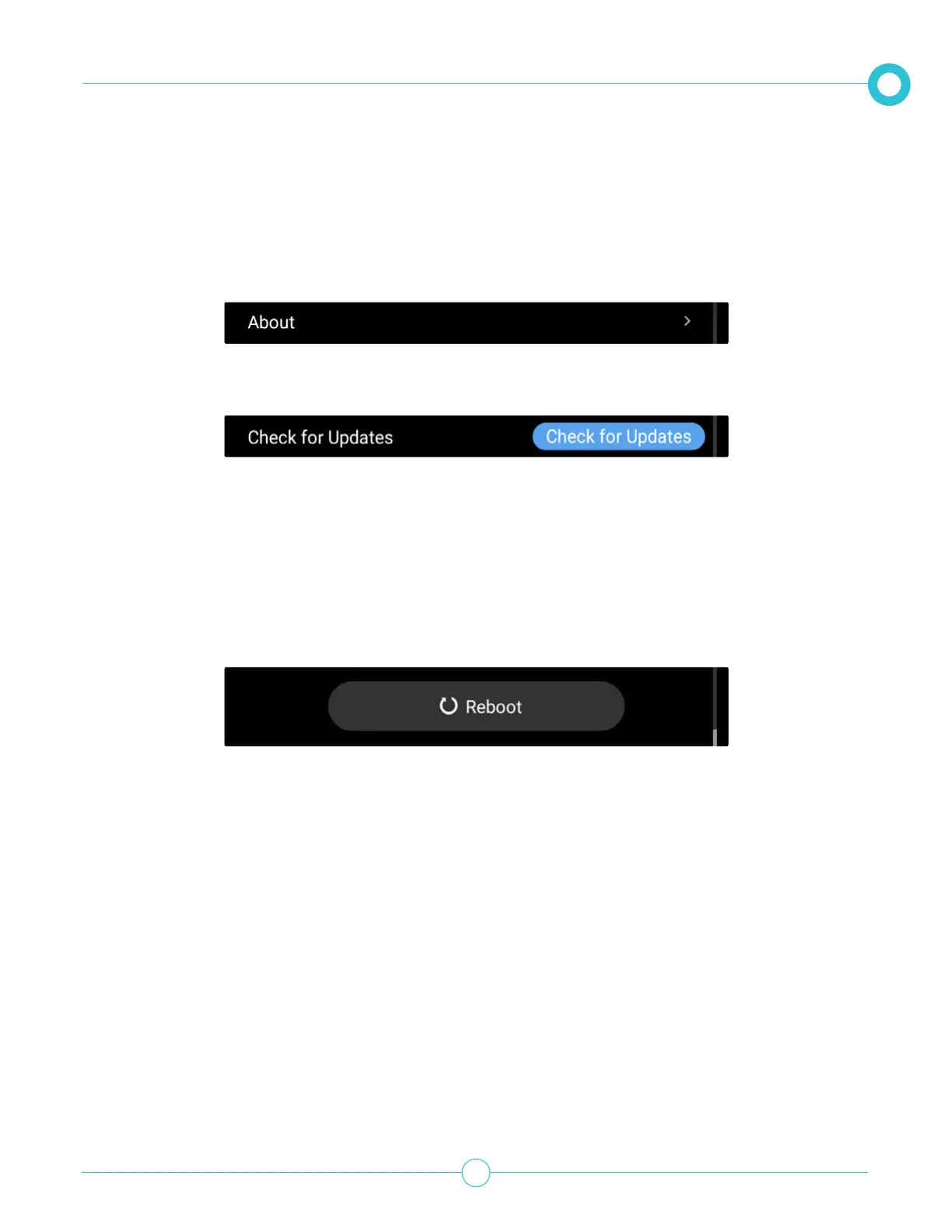
You can check for software updates at any time by doing the following:
1. From the Settings option, scroll down and tap About.
Pria will check for updates and update the system accordingly.
Rebooting the Device
If any problems occur with your device, it is recommended to perform a reboot by doing the following:
1. From the Settings option, scroll down and tap Reboot.
2. Tap Check for Updates.
2. Tap Yes to conrm.
Pria will shut-down and reload.



 To Next Page