USER
MANUAL
30
UPDATING YOUR MEDICATION SCHEDULE
Your medication schedule is updated in the Pria mobile app. Once you have updated your schedule or
added in meds, Pria will make a ‘chime’ sound letting you know that the device recognized changes. Follow
the steps below to make Pria update the information.
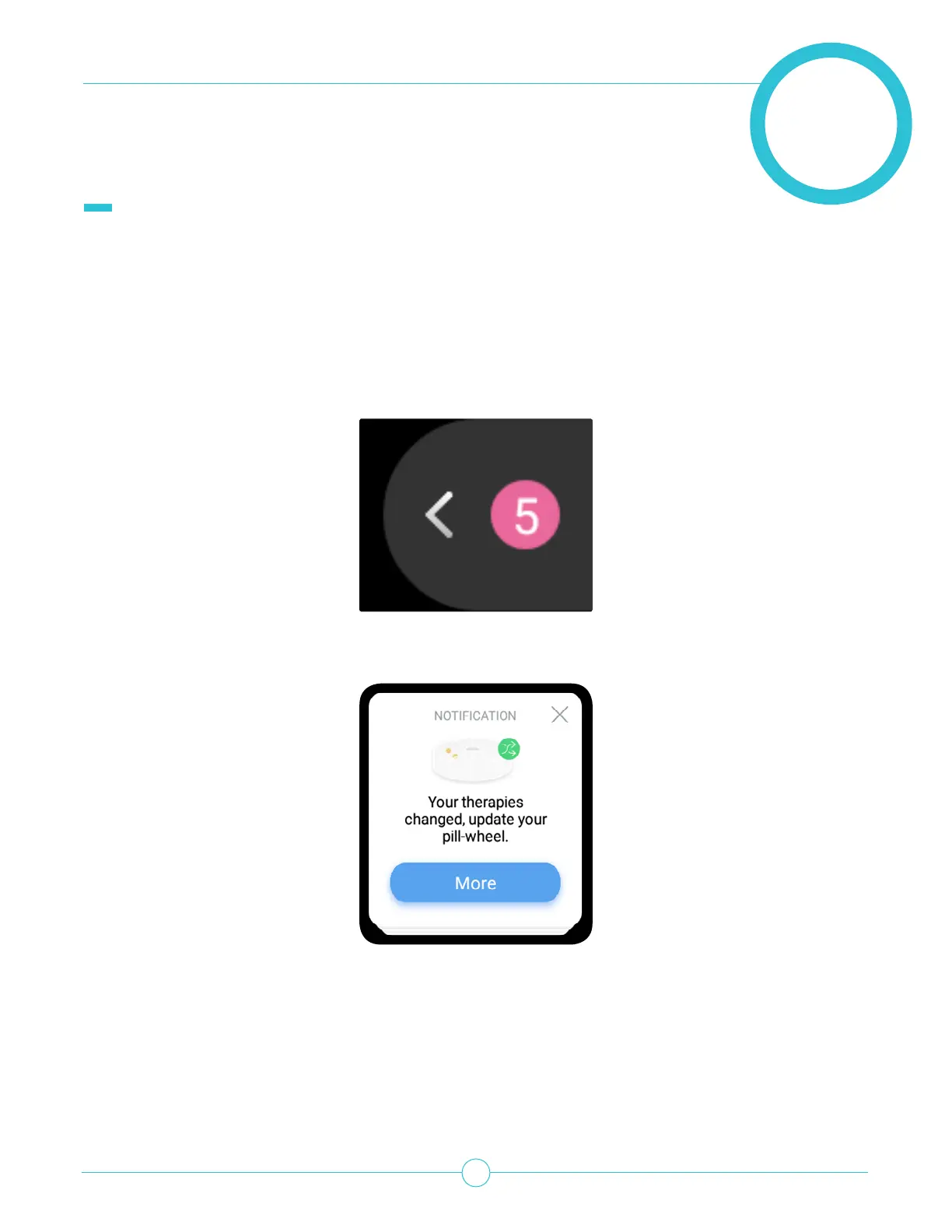
1. A notication will appear on Pria’s home screen.
2. Tap the notication tab to view the notication.


 To Next Page