59
PRIA USER MANUAL
SETTINGS
Setting Up / Changing Voice Recognition
Voice recognition allows you to activate Pria with your voice. Pria rst needs to learn your voice. This is
typically done during the onboarding process. You can setup voice recognition if you skipped it during the
onboarding process or you re-do it by doing the following:
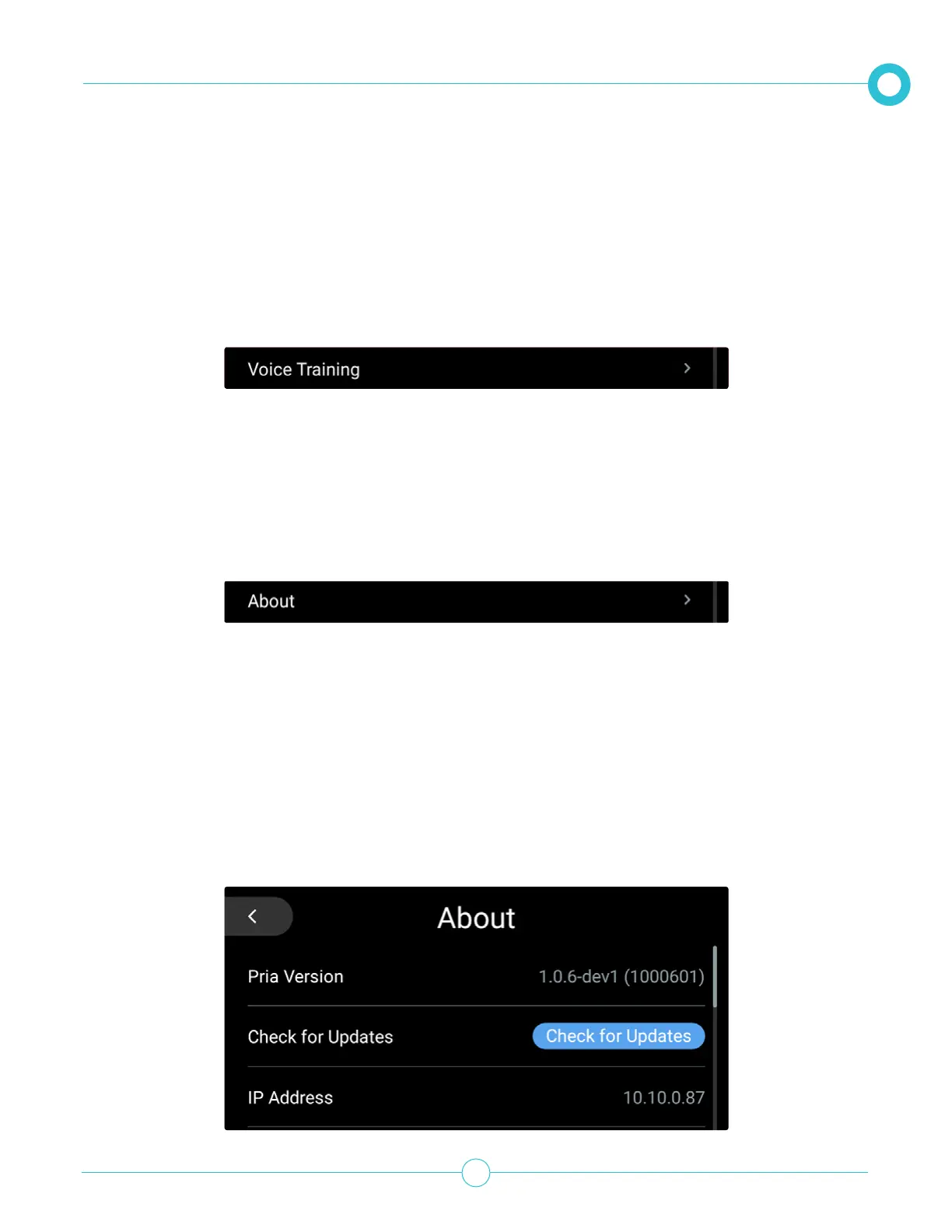
1. From the Settings option, scroll down and tap Voice Training.
2. Follow the on-screen instructions.
Viewing About Information
From the Settings option, scroll down and tap About.
The About information section contains the following details:
• Pria version
• IP Address of the devices connected network.
• The device’s MAC Address
• Serial Number
• PriaOS Version
• Credits and Licenses
• Legal & Compliance details



 To Next Page