61
PRIA USER MANUAL
SETTINGS
Performing a Factory Reset
Pria can be reset to factory default settings, if required. Make sure to empty your Pill Wheel and clean it
before using it again.
Note: Your prole and all medication related data will be deleted.
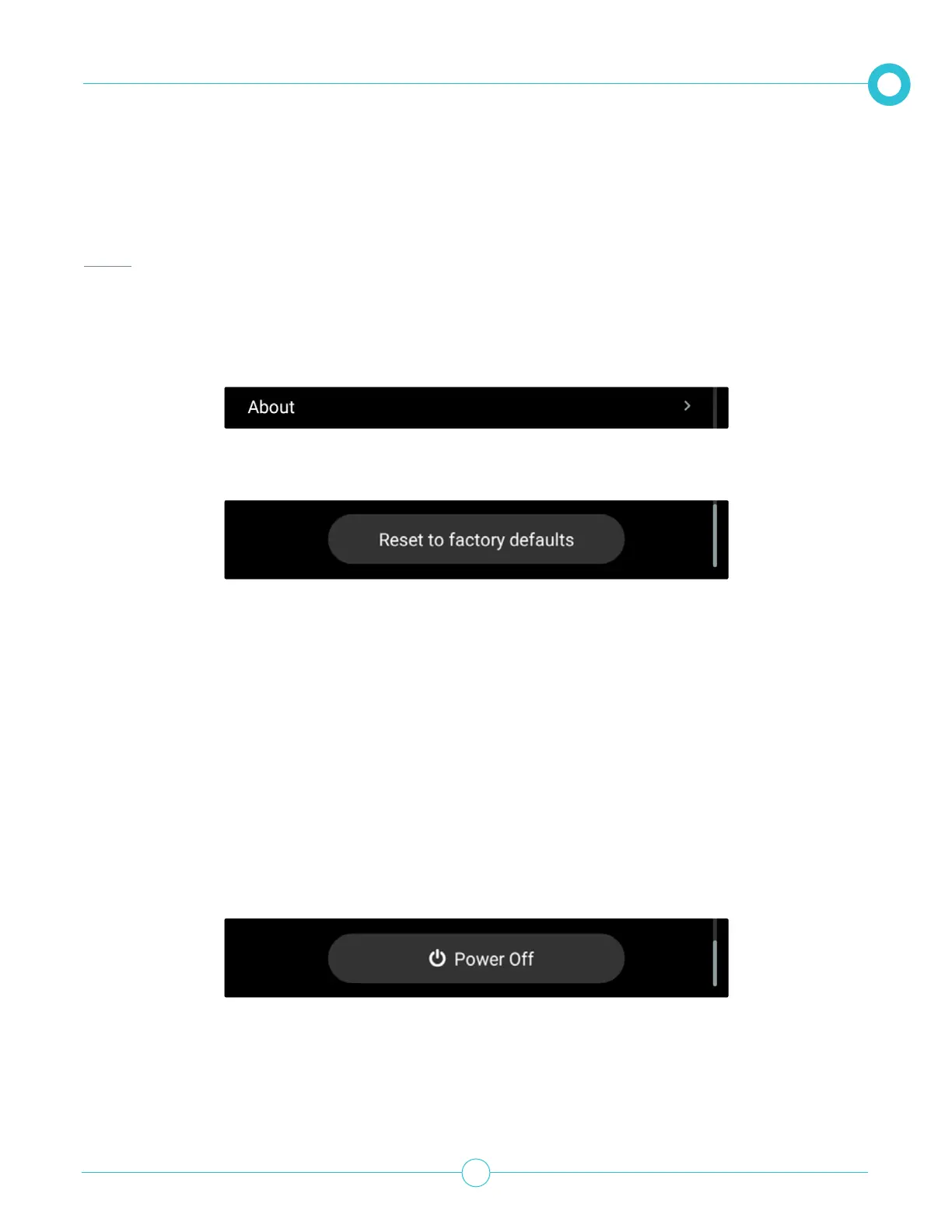
1. From the Settings option, scroll down and tap About.
3. Tap Yes to Reset.
Pria will reset and automatically restart.
Refer to the Getting Started Guide to set up Pria again.
Turning the Device Off
While we recommend leaving Pria turned on, we understand that you may need to power o Pria from time
to time for travel, etc.
From the Settings option, scroll down and tap . You can also say “Ok Pria, power o” and unplug
the AC adapter from the back of the device.
2. Scroll down and tap Reset to factory defaults.
Once you select power o, you’ll need to unplug Pria to completely shut the device down. When you’re
ready to turn Pria back on, simply plug the device back in.


 To Next Page