53
PRIA USER MANUAL
SETTINGS
2. To keep your current WiFi connection tap, KEEP.
3. To change your connection tap CHANGE.
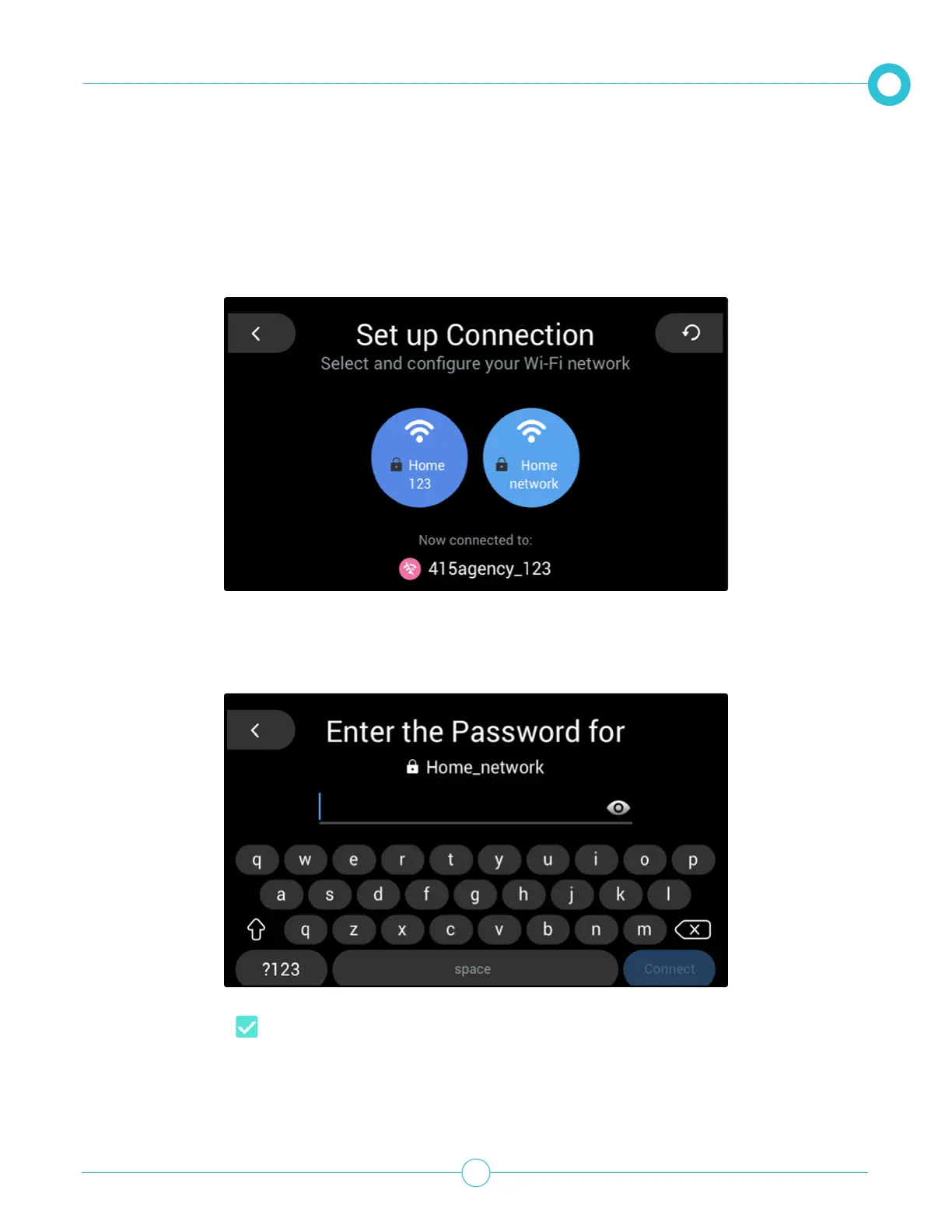
Pria will search for all available networks.
4. Tap the required network.
5. Enter in the network’s Password.
6. Tap the Tick icon to continue.
Pria will connect to the network.
7. Tap KEEP to save.



 To Next Page