EasyManua.ls Logo

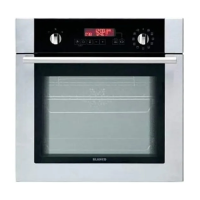
Blanco BOSE696XCOM - Installation in a Wall Unit

Blanco BOSE696XCOM
20 pages
Print Icon
To Next Page IconTo Next Page
To Previous Page IconTo Previous Page
Loading...
5
Installation Instructions
Installation in a Wall Unit
A (mm)
557
min./max. F (mm)
560/580
B (mm)
550
min. G (mm)
555
C (mm)
595
min. H/I (mm)
600/590
D (mm)
575
min. J/K (mm)
5/10
E (mm)
574
After making the electrical connections, insert the oven into the cabinet by pushing it forward. Open the oven
door and insert two screws in the holes located on the oven frame. While the product frame touches the
wooden surface of the cabinet, tighten the screws.


Related product manuals