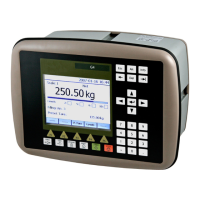
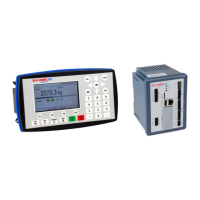
G5 Weighing Instrument
6-1
6. Fieldbus interface
The optional fieldbus interface is based on a network communication module from
HMS Industrial Networks. Available fieldbuses are Profibus, DeviceNet, ControlNet and
EtherNet/IP. With setup parameters the fieldbus interface is configured for the specific
needs of an installation. It is possible to setup address, baud rate (if applicable to the
actual fieldbus type) and if the weight values shall be in integer or floating point format.
See table defining data mapping on the fieldbus. The mapping in the master and the
instrument must always correspond.
Setup of fieldbus communication
• Complete the set-up of fieldbus communication before connecting it to the network
to avoid possible network failure due to mismatch in configuration between network
and instrument.
• Select the fieldbus type used in the Hardware Configuration menu.
Note that the instrument will be restarted after changes in the hardware setup.
• Select the appropriate device address for the instrument. Address is setup in menu
Communication – Fieldbus.
Note that the address range is depending on type of fieldbus.
• Select baud rate, if applicable, according to the used baud rate in the network.
Some fieldbuses may support automatic baud rate setting. Use fixed baud rate
setting if there are difficulties to connect to the network or if the network baud rate is
known.
• Connect to the network.


 To Next Page