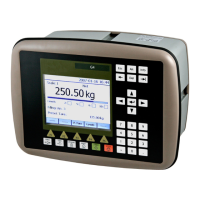
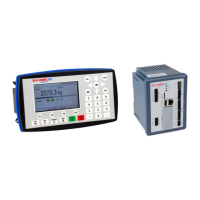
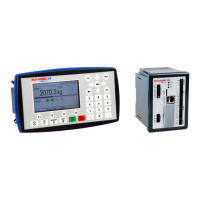
G5 Weighing Instrument
1-1
1. Introduction
General
The G5 Instruments are high performance single-channel weight indicators (PM model,
panel mounted) or weight transmitters (RM model, DIN rail mounted) intended for
industrial systems. This manual describes the functionality of the optional Fieldbus
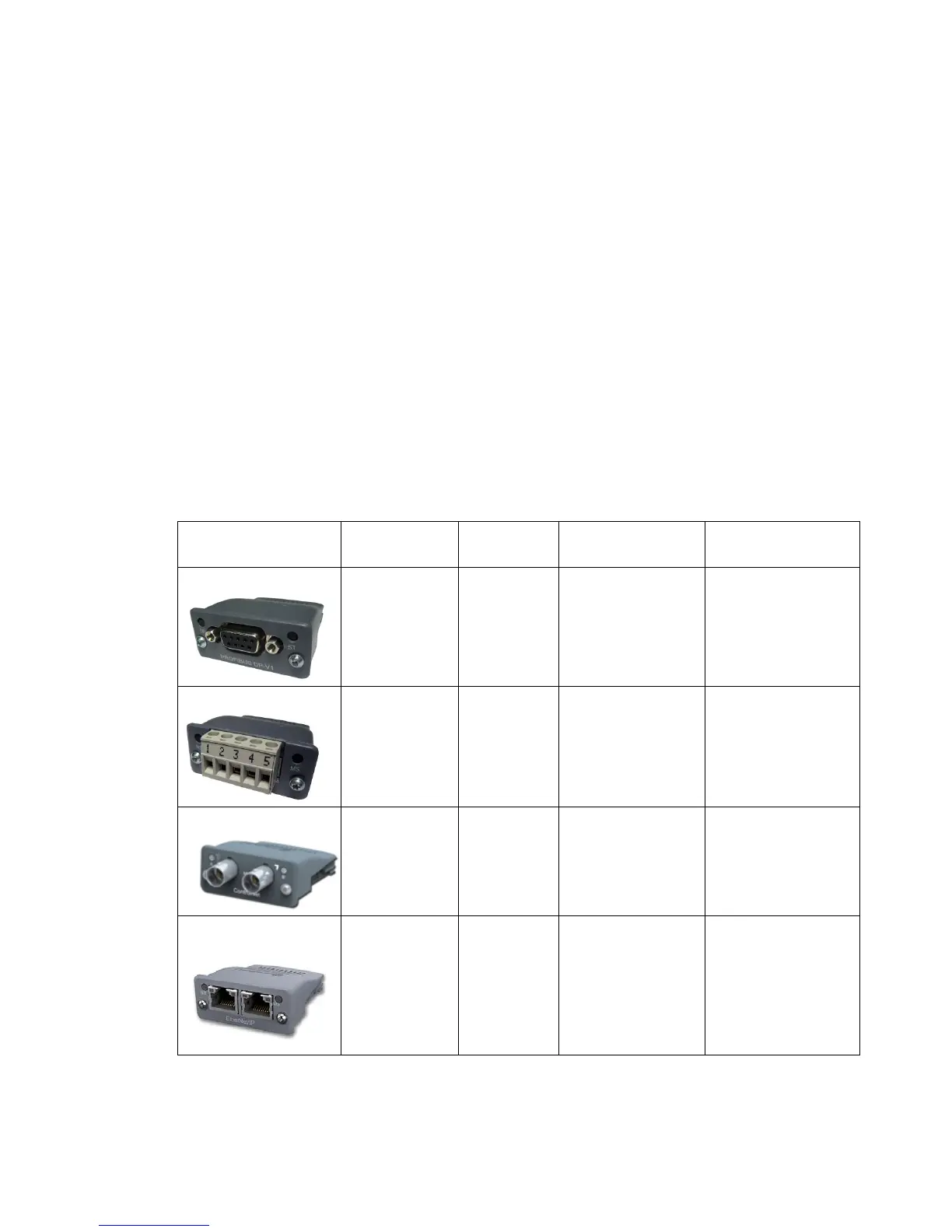
interface of the G5 Instrument. The instrument supports the following busses:
ProfibusDP, DeviceNet, ControlNet and EtherNet/IP. The optional fieldbus module is
mounted in the Fieldbus slot.
l fieldbus settings are done with setup parameters in the instrument. No settings are
done on the module itself.
Module installation
Make sure the instrument power supply is off or disconnected. Remove the plastic
cover from the fieldbus slot. Insert the adaptor very carefully and make absolutely
sure that the adaptor slides correctly into the guides in the connector on the PCB.
Tighten the two fastening screws at the adaptor front and check that the two securing
hooks locks into the PCB.
Module type Connector Baud rate Address Bus Supply
Voltage
Profibus-DP


 To Next Page