CALIBRATION AND ADJUSTMENT
4 --- 1 0
Boost Option -- (versions 2.00 or 3.00)
When the controller is in the “ACCESS” mode,
press the following buttons: CLEAR 2 1 2 ENTER
to enter the boost option.
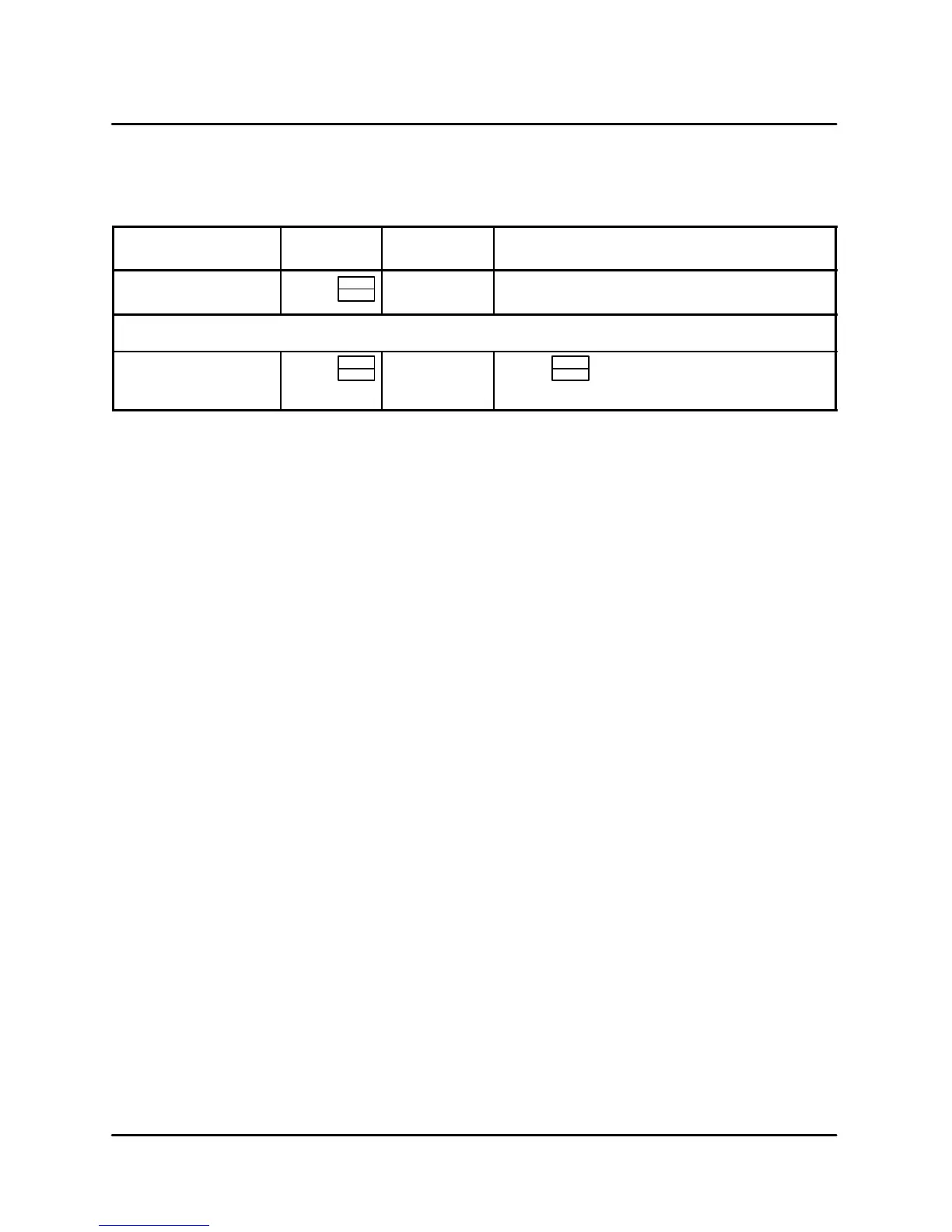
DISPLAY
ACTION
TAKEN
DISPLAY ACTION TAKEN
BOOST / MODE-?
(Flash alternately)
Press
PROG
ENTER
OPT-1 or
OPT-2
Press any numeric key to t oggle between
OPT-1 and OPT-2
Select OPT-1 to turn o
boost mode.
OPT-1 Press
PROG
ENTER
DONE
SAVE
EXIT
Press
PROG
ENTER
TABLE 4
EXITING THE ACCESS M ODE
After pressing PROG/ENTER the last time, the dis-
play w ill show “EXIT” then beep and return to the
“ACCESS” mode. Pressing and holding the ON/
OFF k ey will turn the oven on. A new time and tem-
perature must be entered upon exiting the “AC -
CESS” mode since the oven will automatically
default to 0. The oven will not fire until both time and
temperature are entered.
Firmware Model Version Display
Password:CLEAR123ENTER
MODEL - Computer Model Number --- 6028
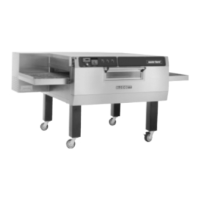
(Blodgett Conveyor Oven With Speed Control)
SW -VER - Firmware version number. V-xxyy xx =
major version, yy = minor version
DATE-? -Firmware release date
CHKSUM - ROM checksum stored in PROM. xxxx
- Value is display in hexadecimal format.


 To Next Page