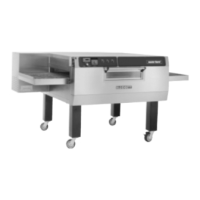
MT3255 and MT3270
4 --- 9
COMPUTER CONTROLLER CONFIGURATION
COMPUTER CONTROLS
INITIATING ACCESS MODE
The Cooking Computer provides a special Access
Mode for setting and displaying certain computer
special functions. To initiate the Access Mode
place the control in the OFF state, (OFF is shown
in the display when power is first applied to the
control). Press the following sequence of keys to
set the control to Access Mode: CLEAR 1 2 3 4 5
6 ENTER. The display reads ACCESS.
CONFIGURATION
When the controller is in the “ACCESS” mode,
press the following buttons: CLEAR 1 1 1 ENTER.
With the exception of the positive and negative off-
sets, to be addressed later, all display data should
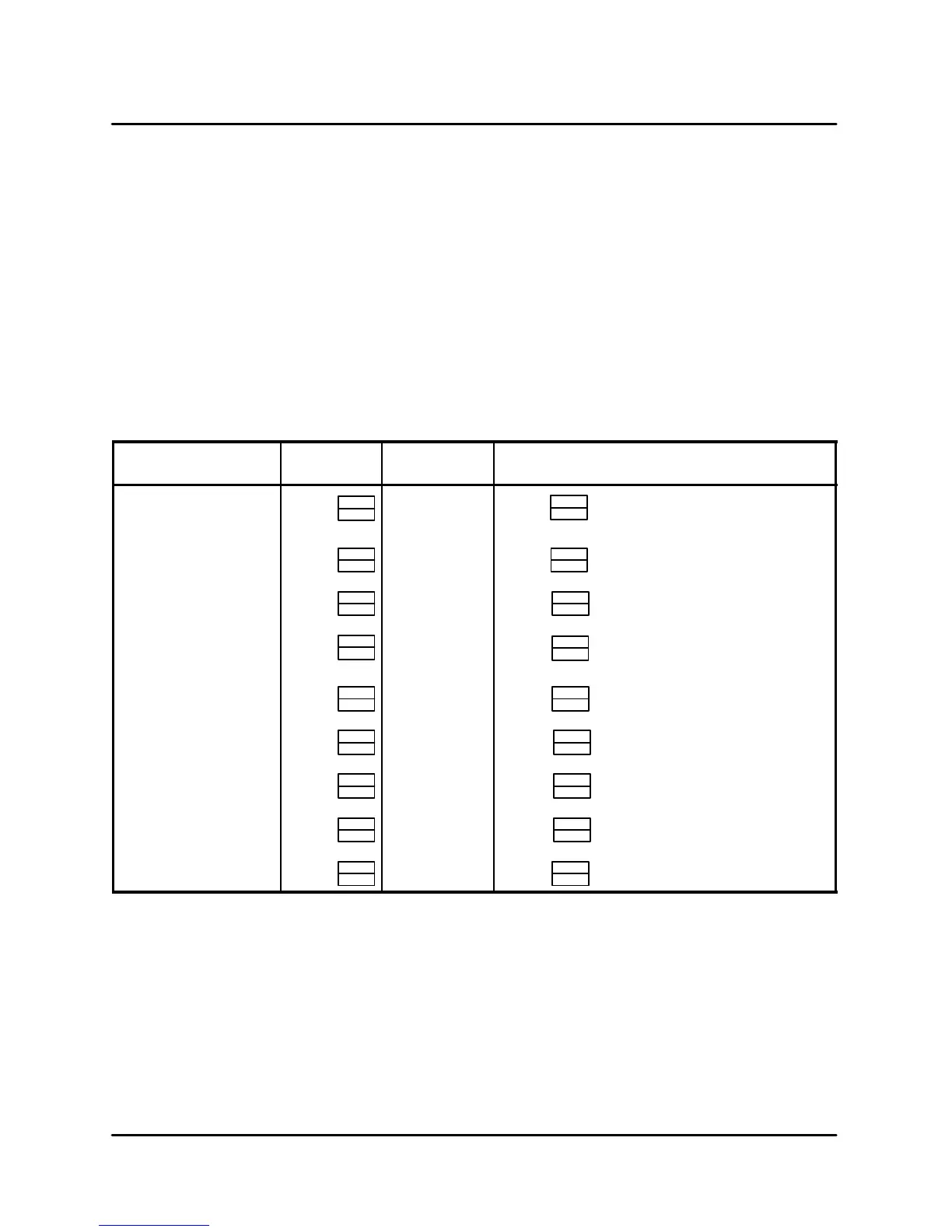
correspond to the entries in the chart below. If the
data does not match the chart, it should be
changed accordingly. When the correct data is dis-
played press the PROG/ENTER key, the display
will cycle on to the next screen. If a step is missed,
press the CLEAR button to back up.
DISPLAY
ACTION
TAKEN
DISPLAY ACTION TAKEN
F/CMODE? Press
PROG
ENTER
T ' F_(_C)
Press again or hit any number a nd
it will change.
PROG
ENTER
POS OFFSET? Press
PROG
ENTER
0_(0_) Press
PROG
ENTER
NEG OFFSET? Press
PROG
ENTER
0_(0_) Press
PROG
ENTER
MAX-T ENTRY? Press
PROG
ENTER
600_(315_) Press or change then
press again.
PROG
ENTER
MAX-T LIMIT? Press
PROG
ENTER
625_(330_) Press
PROG
ENTER
READY BAND? Press
PROG
ENTER
10 Press
PROG
ENTER
MIN-HT ON? Press
PROG
ENTER
60 Press
PROG
ENTER
DISPLAY INTEG? Press
PROG
ENTER
30 Press
PROG
ENTER
T-C T R L I NT E G? Press
PROG
ENTER
10 Press
PROG
ENTER
TABLE 3
NOTE: Press the CLEAR key to back up one pa-
rameter.


 To Next Page