10
From this screen, you’ll want to adjust the computer’s internal microphone gain (volume) settings. As a starting point,
set the microphone fader at about 80%. If you want to record something that is very loud, like a drums or a band prac-
tice, you’ll want to turn this setting down. If you are recording something quiet, you may want to turn this setting up.
Apple-Macintosh OSX (10.4.11 or higher)
1. Plug the microphone into your computer’s USB port using the provided USB cable.
2. From the main Apple menu, select the “System Preferences.”
3. Select the “Sound” icon.
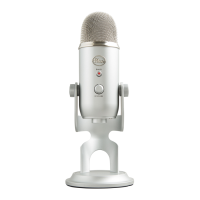
4. Now select the input tab and select “Yeti Stereo Microphone.”
As a starting point, set the “Input Volume” to about 80%. If you decide you want to record something that is very loud,
like a drums or a band practice, you will want to turn this setting down. If you are recording something that may be
quiet, like an interview with a person who speaks softly, you may want to turn this setting up.


 To Next Page