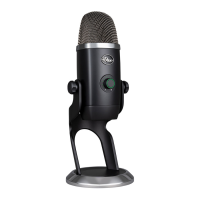
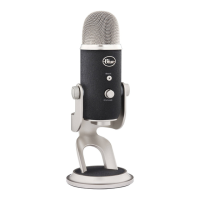
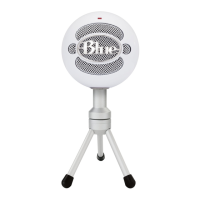
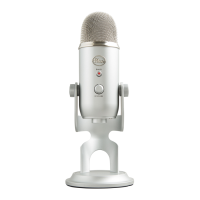
Standard thread mount • If you would like to mount your Yeti to a standard microphone studio mount, remove Yeti
from the included desk stand and thread in a standard threaded mount for maximum versatility.
Ge t t in g Sta r te d wi t h Yeti
After unpacking your Yeti, rotate the microphone 180 degrees so that the Blue logo and headphone volume control is
facing you. Tighten the set-screws on the left and right of the base after adjusting the microphone for your desired angle.
Connect the Yeti to your computer with the supplied USB cable (avoid plugging Yeti into USB hubs or multipliers — plug
directly into your computer for best performance). See below for installation instructions for your operating system:
Windows Vista
1. Plug the microphone into the USB port on your computer using the provided USB cable.
2. From the start menu, select the control panel.
3. From the control panel, select the “Sound” icon.
6


 To Next Page