4 Getting Started
10
2
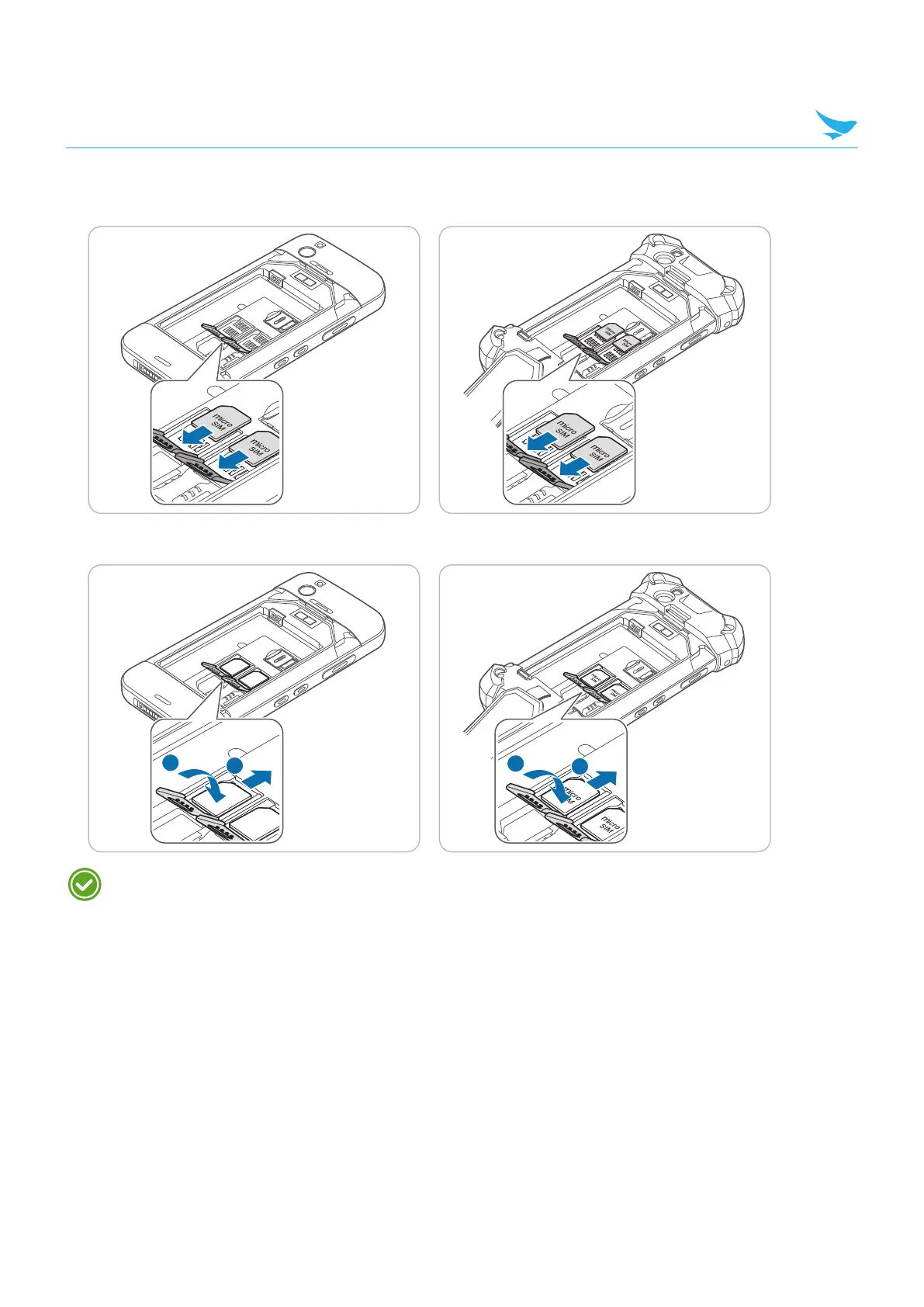
Insert a micro SIM cards into the slots, aligning the cards with the slots. Make sure that the gold contacts
on the cards are facing down.
3
Lift down and slide upwards the fasteners for locking the slot.
Using dual SIM cards allows you to choose between SIM cards for different mobile networks. Also, it
allows you to use two independent mobile services, such as one for business calls and the other one is
for personal calls.



 To Next Page