5 Basics (for Windows)
21
5.4 Locking and Unlocking the Device
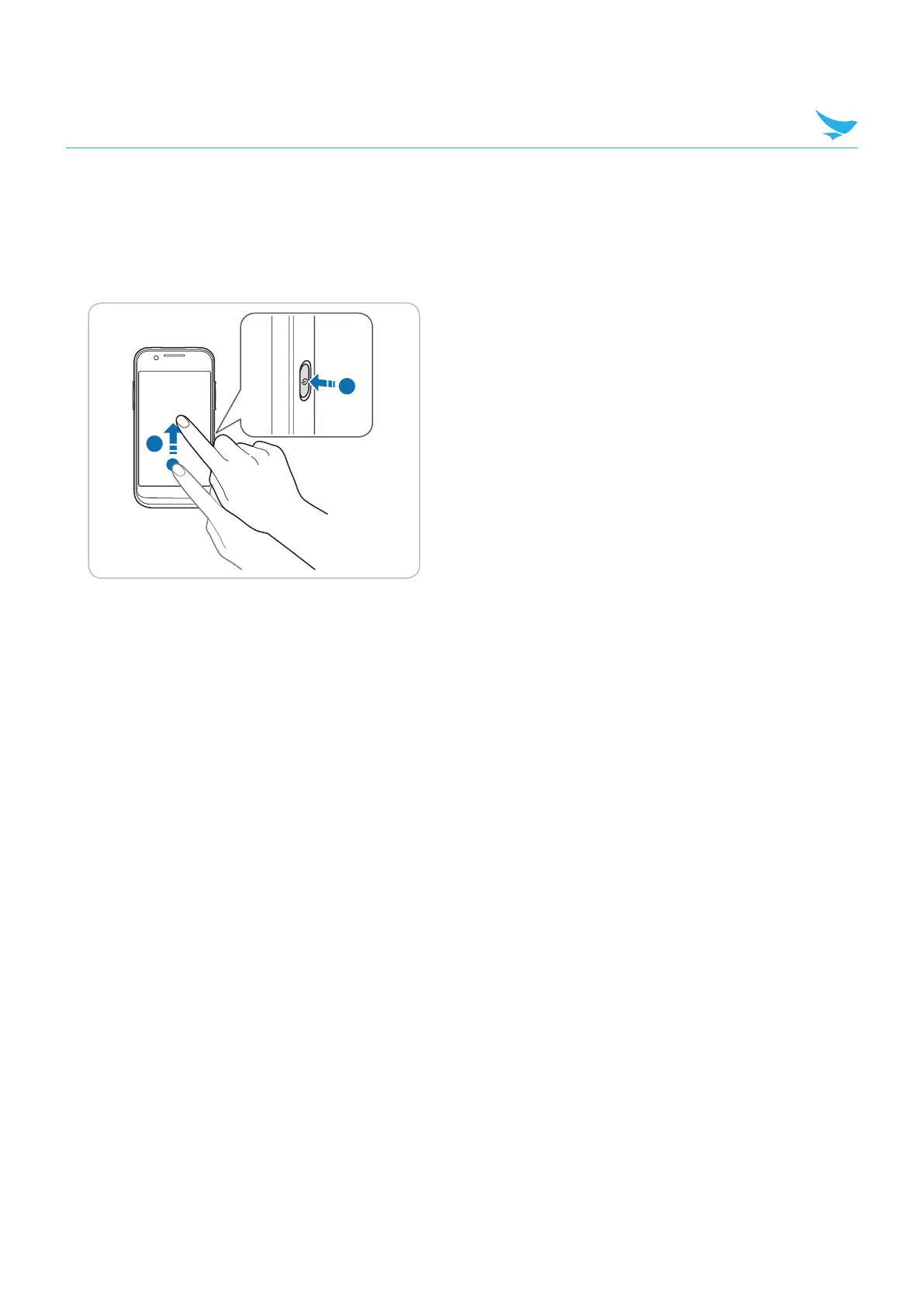
Lock the screen to protect your device and its data.
The device locks if it is not in use for a specified period by default. To unlock the device, press the Power
button to turn on the screen and drag upward from the bottom of the screen.
1
2
You can increase security by creating a password and screen lock timeout. For more information about how
to configure and change screen lock settings, refer to Lock Screen on page 106.



 To Next Page