7 Applications (for Windows)
47
To make a call from contacts list
1
On the Start screen, tap or .
2
Tap on your Phone app.
3
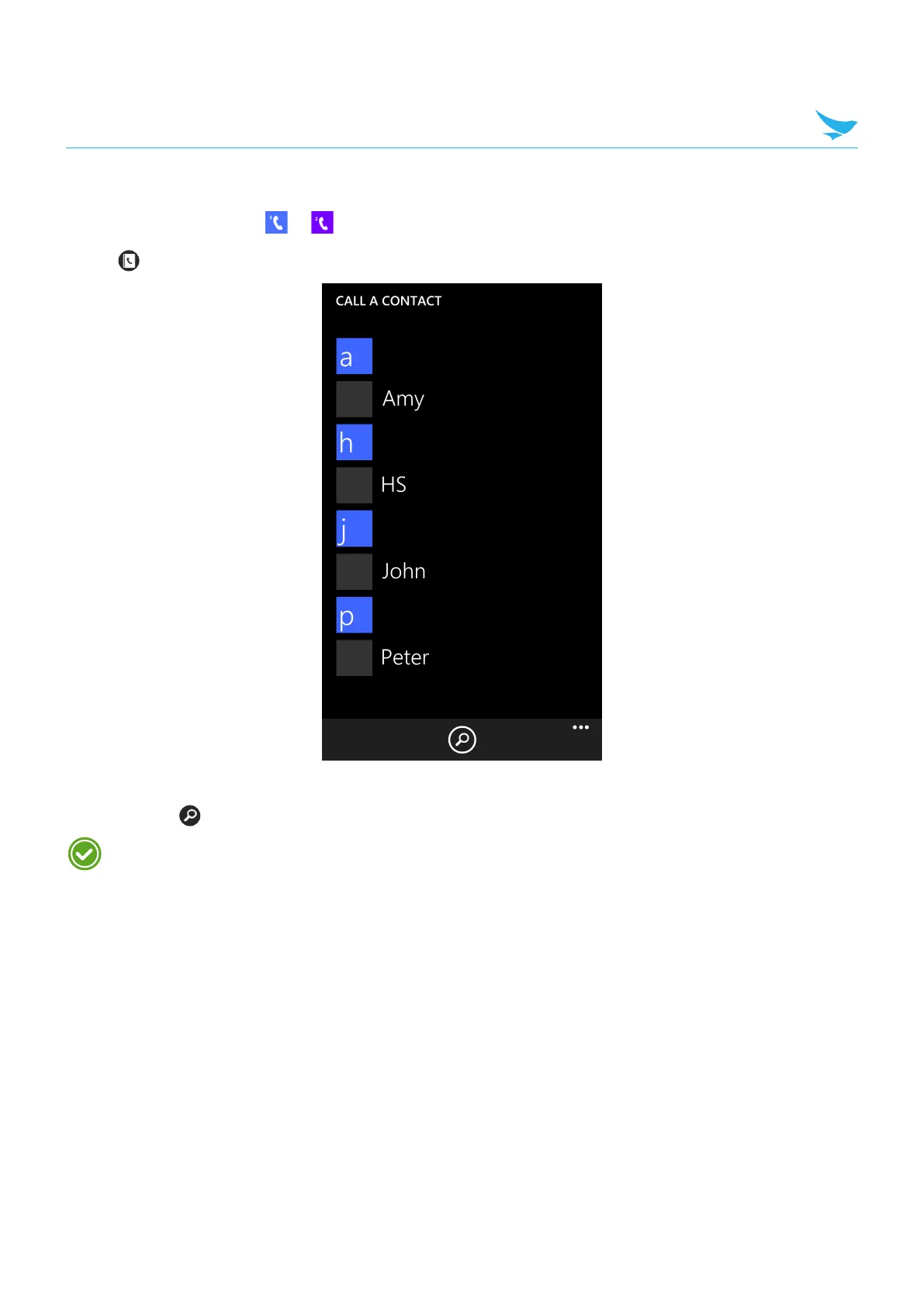
Tap a name in your contacts in the CALL A CONTACT tab to dial the number. If you want to search for a
contact, tap .
Only the contacts with phone numbers will be displayed on this screen. To view all contacts, tap the
People tile on your Start screen or tap People on the Apps screen.



 To Next Page