26
I’ve launched the RVMaster App on my RVMasterController but the app is not starting?
If booting the RVMaster and the RVMaster App is then launched, wait three minutes for
the RVMasterNode to communicate to the RVMasterController and for the app to start.
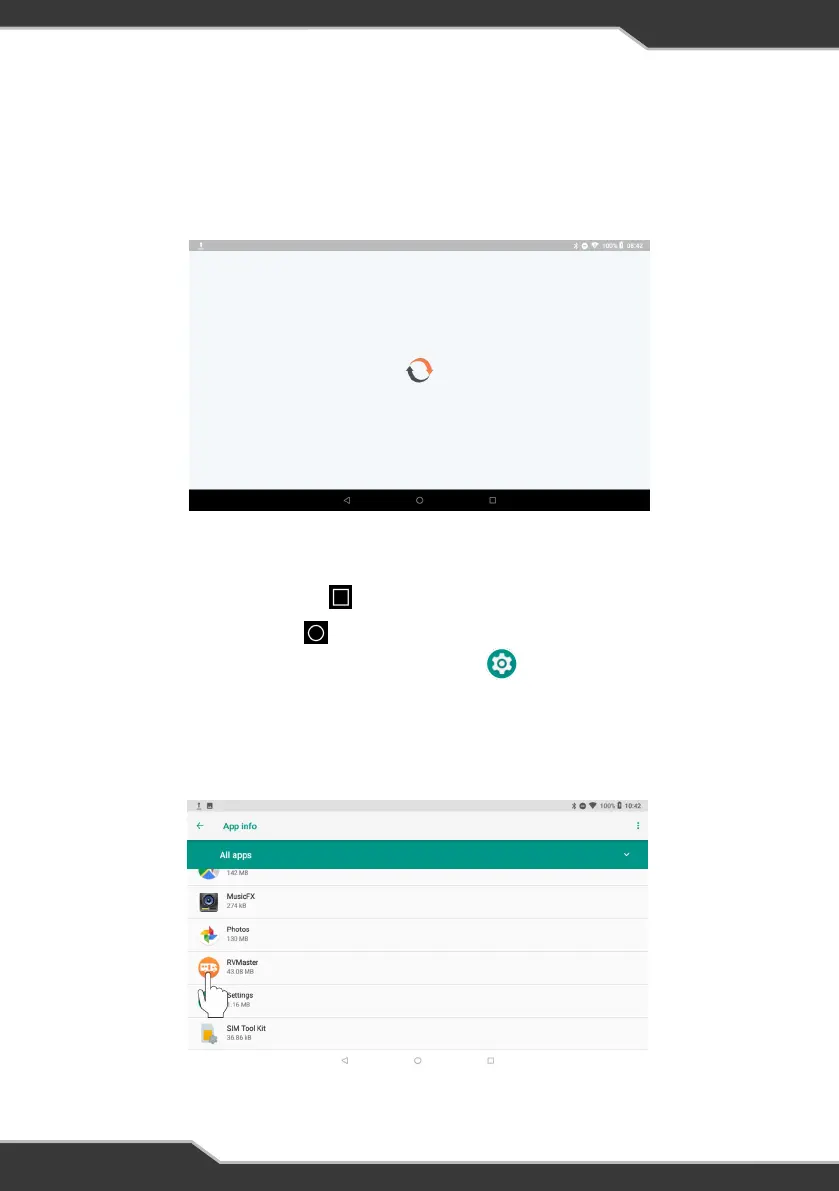
If the RVMaster App still has issues starting and is frozen on the logo page (Figure 27),
clear the app data on the RVMasterController then relaunch the app.
Figure 27: RVMaster App not starting
To clear the app data:
1. Tap the Recent applications icon and close the RVMaster App
2. Tap the Main screen icon to return to the RVMasterController main screen
3. From the main screen, tap on the Settings icon
4. Select Apps & notifications and then See all apps
5. Scroll to find the RVMaster App icon and tap to select (Figure 28)
Figure 28: Select the RVMaster App from the list of apps



 To Next Page