15
Off
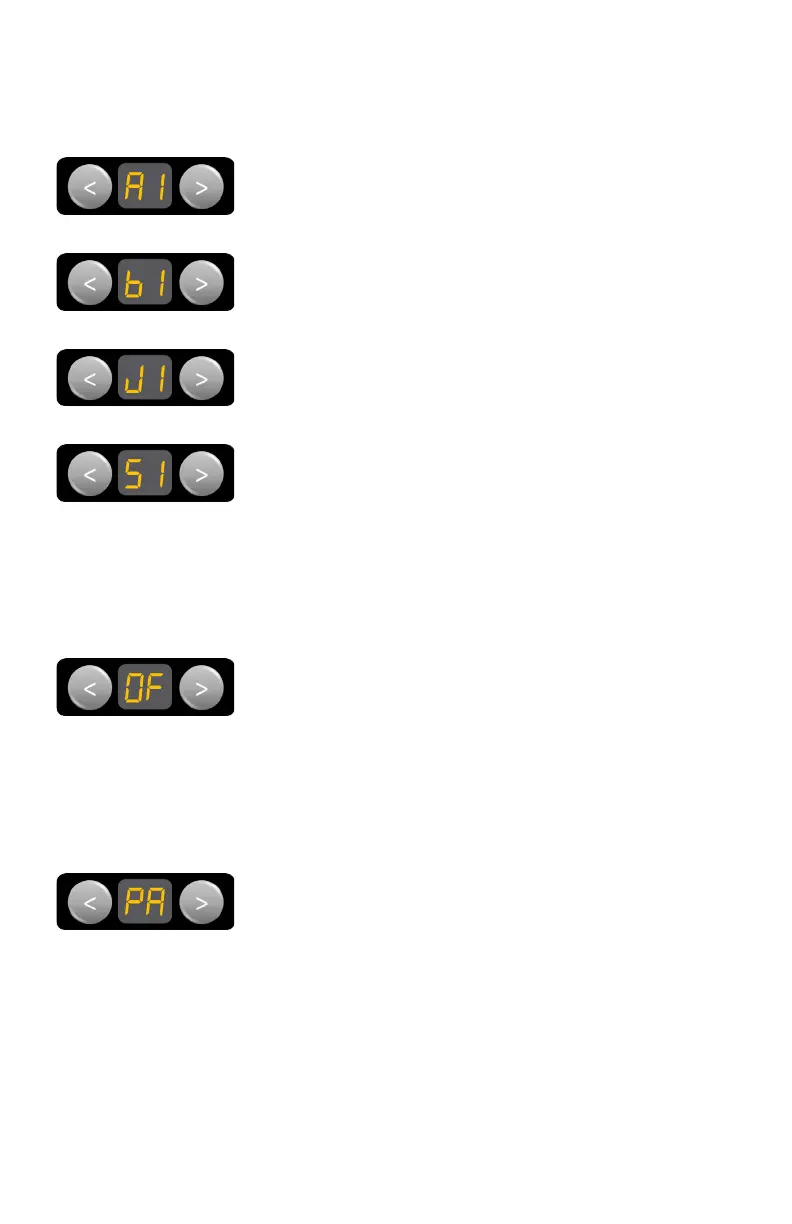
Navigate to OF, then press EXT to turn power off to all
loads connected to the Node.
The Controller will also turn off. The OF function does
not shut down generators connected to the Node.
The Controller can be turned back on by pressing any of
the Light buttons on the Control Panel.
Pairing
To pair the Node with the Controller or your own smart
phone, or to clear the Node of any pairings.
For more information, see Pairing to the Node and
Clearing the Node.
Slide-outs
Navigate to the desired slide-out, then press EXT or RET
to operate.
As a safety precaution, slide-out control will be disabled
if the vehicle’s ignition is running and the park break is
not in use.
For more information, see the Motors Screen section.
MENU FUNCTIONS (MODEL DEPENDENT)
The menu functions on the Controlelr’s Control Panel allow you to operate
various motors, quickly switch off loads and pair to or clear the Node.
Awnings
Navigate to the desired awning, then press EXT or RET
to operate.
Bunk-Lifts
Navigate to the desired bunk-lift, then press EXT or RET
to operate.
Jacks
Navigate to the desired jack, then press EXT or RET to
operate.



 To Next Page