27
Only one motor may be operated at a time. Once a motor is in operation, motor
control will be disabled in any other device running the RVMaster App.
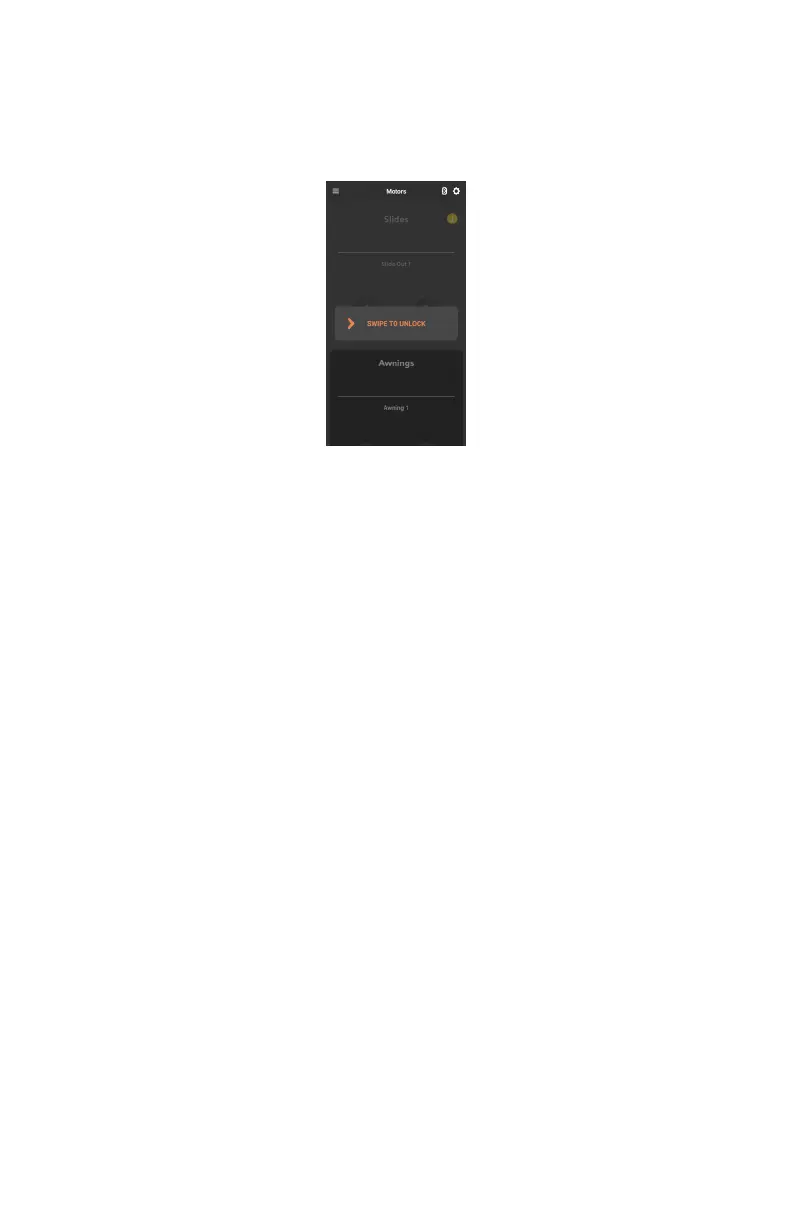
To use motors from your own device, you need to swipe to unlock the motors
screen.
CLIMATE SCREEN (MODEL DEPENDENT)
The Climate screen allows you to control the temperature inside your RV.
Choose from Cool, Cool Auto or Heat to adjust temperature between 32°F to 90°F
(0°C to 32°C).
Cool will continuously run the fan.
Cool Auto cycles the fan on and off with the compressor in order to achieve the
target temperature.
If available, the RV may be heated from the furnace, heat pump or a combination
of both. If you are using the furnace, you can also turn on the fan.
Select Fan if you wish to cool your RV without setting a specific temperature.



 To Next Page