38
UNIT PREFERENCES
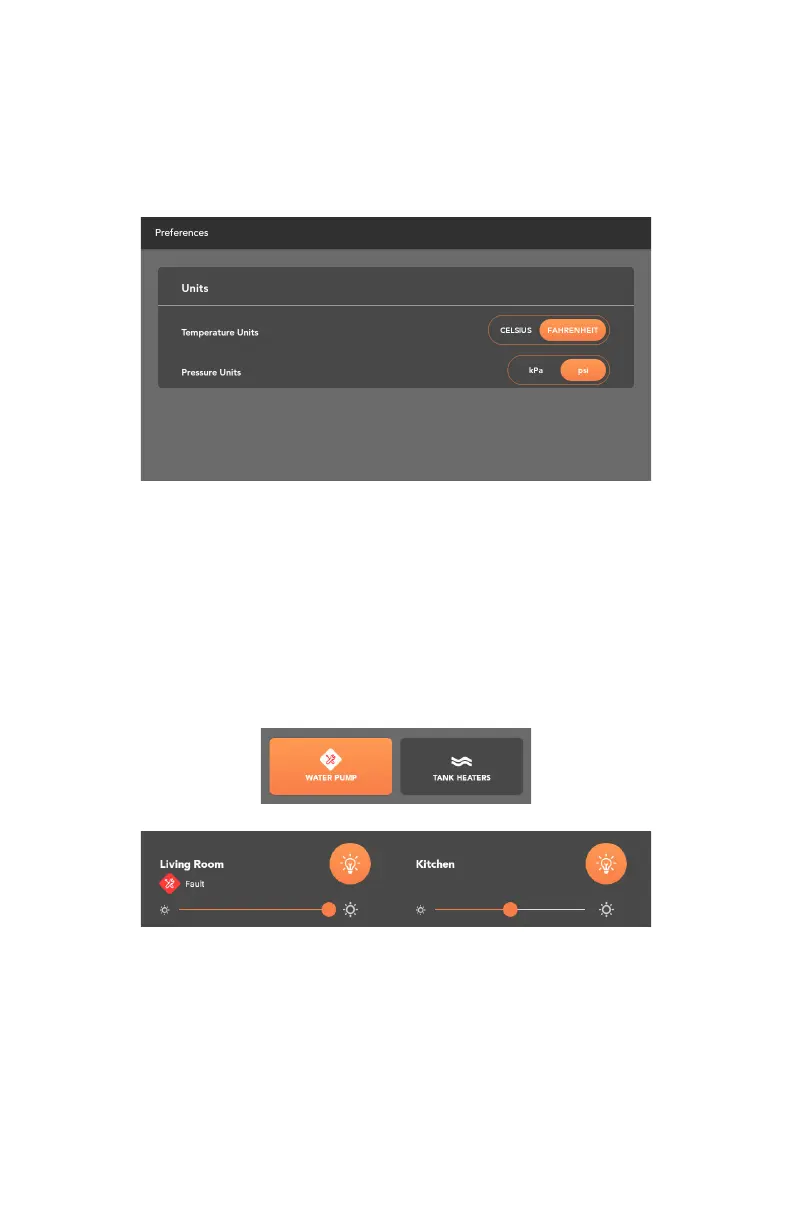
To change temperature or pressure units, go to the settings menu on the App
home screen and press Preferences.
From there, temperature units can be toggled between Fahrenheit and Celsius,
and pressure units can be toggled between kPa and psi.
DIAGNOSTICS
The Diagnostics screen displays any detected faults in the system, and allows you
to force reset the Node.
To clear circuit faults, remove the suspected short and toggle the suspected
output to clear the fault indicator.
A red fault indicator will appear if a fault is detected on the lights, tank heaters,
water heaters, water pumps, electric heaters or gas heaters.



 To Next Page