29
ENERGY CENTER
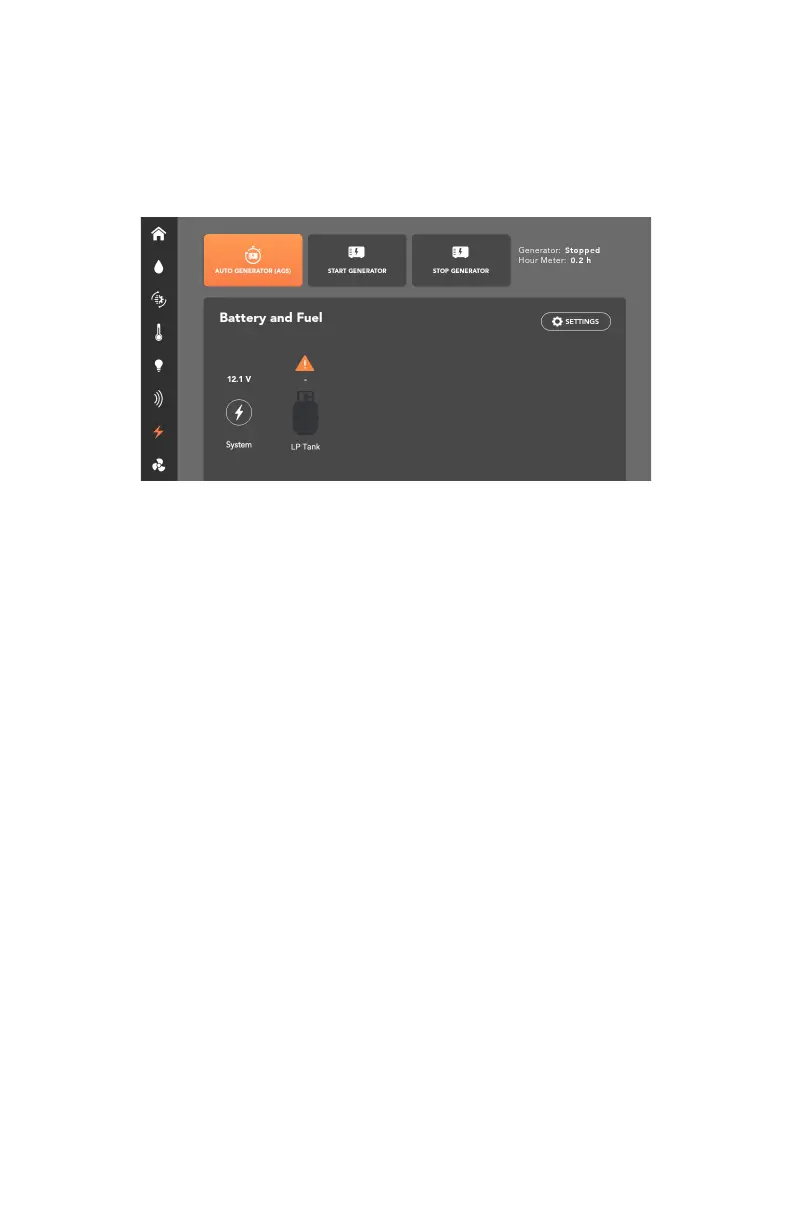
The Energy Center screen allows you to monitor coach and/or chassis voltages
and gas consumption. If no coach and chassis batteries are connected, the
RVMaster App will monitor the system voltage of the Node.
A warning sign will appear if voltage drops below 12V.
The Energy Center also permits the generator to be turned on and off as needed
or enable Auto Generator Start, as well as monitor generator run time and status.
If the Generator Status (applies only to gas generators, and not to diesel
generators) indicates a fault:
1. Press the Start Generator button.
2. Fix the fault with the generator.
3. Press the Stop Generator button.
If the fault has been fixed, when you next turn the generator on from the RVMaster
App, the Generator Status will display “No fault”.



 To Next Page