T.O. BMS1F-16CM-1 BMS 4.34 Change 2.00
BMS 4.34 Dash 1
© Red Dog 2012-2019 Page: 96
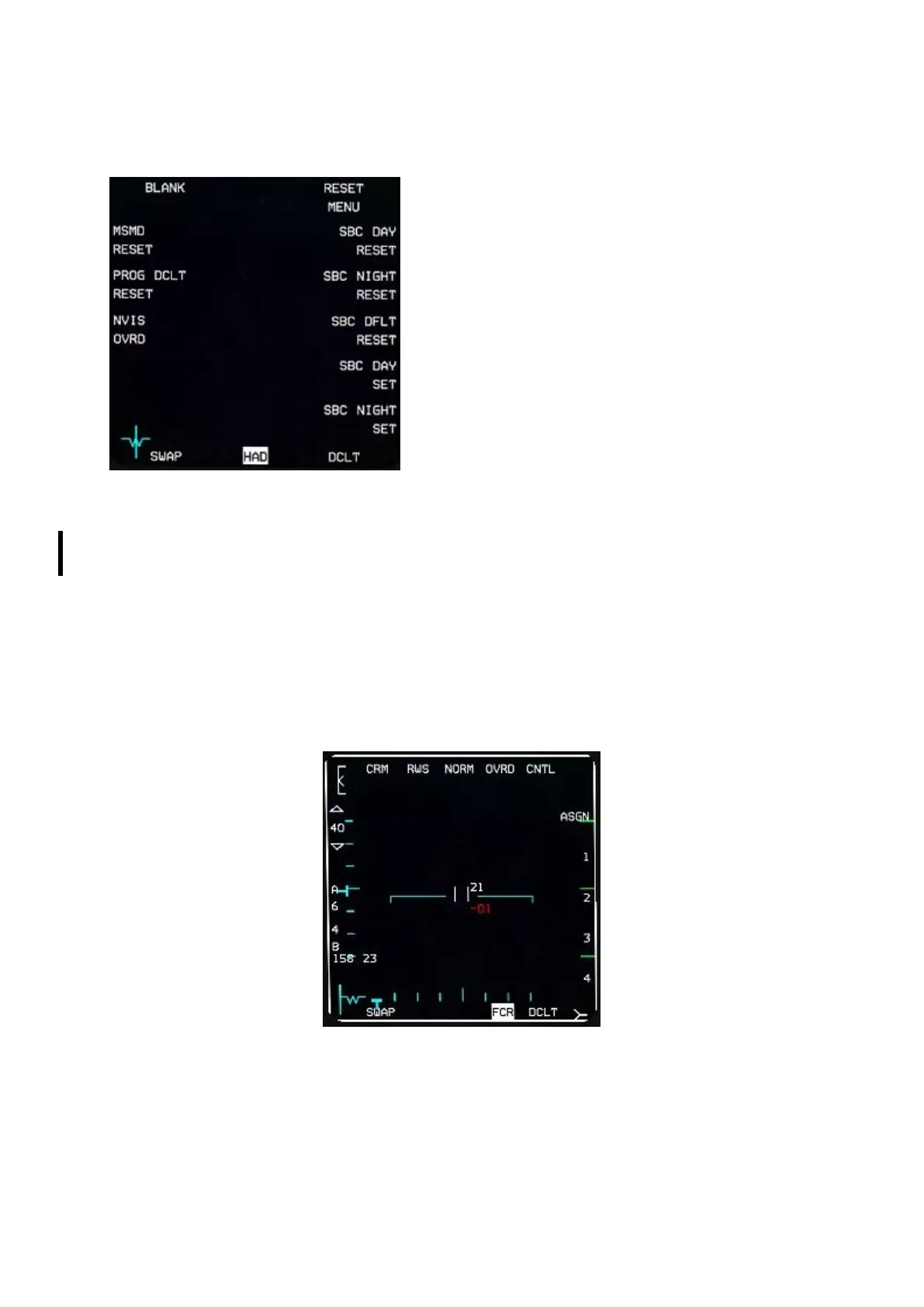
1.4.15. RESET MENU page
The RESET menu is accessed via OSB #5 of the MENU
page but has no purpose in BMS. None of its functionality
is implemented.
1.4.16. FCR page
The Fire Control Radar page is accessed from the menu page by depressing OSB #20.
The radar is now fully documented in the TO-BMS1F-16CM-34-1-1 AN/APG-68(V)5 FIRE CONTROL
RADAR chapter. Here is a short introduction which hopefully will meet your immediate needs.
Obviously this page displays a visual representation of what the radar detects. It can be set to A-A
radar and its submodes, or A-G radar depending on Master Mode.
1.4.16.1 FCR in A-A modes
The FCR is switched on by the FCR switch on the SNSR panel and once powered enters a BIT (Built
In Test) that may last a few minutes. If the FCR is switched off in flight for longer than 4 seconds the
BIT will be reinitialised.
Once the BIT is complete the FCR becomes available and usually defaults to A-A CRM (Combined
Radar Modes).
OSB #1 states the current mode the FCR is in and if depressed displays a page where all other
modes can be chosen from the side MFD buttons: CRM and ACM (Air Combat Maneuvering) on the
left and on the right GM (Ground Mapping), GMT (Ground Moving Target), SEA (Anti-Ship) and STBY
(Standby). Depressing any of the corresponding OSBs will enter that mode. Please note: BCN
(Beacon) mode is not implemented.



 To Next Page