OverviewControlsDriving hintsCommunication NavigationEntertainmentMobilityReference
157
Music track search in
control display
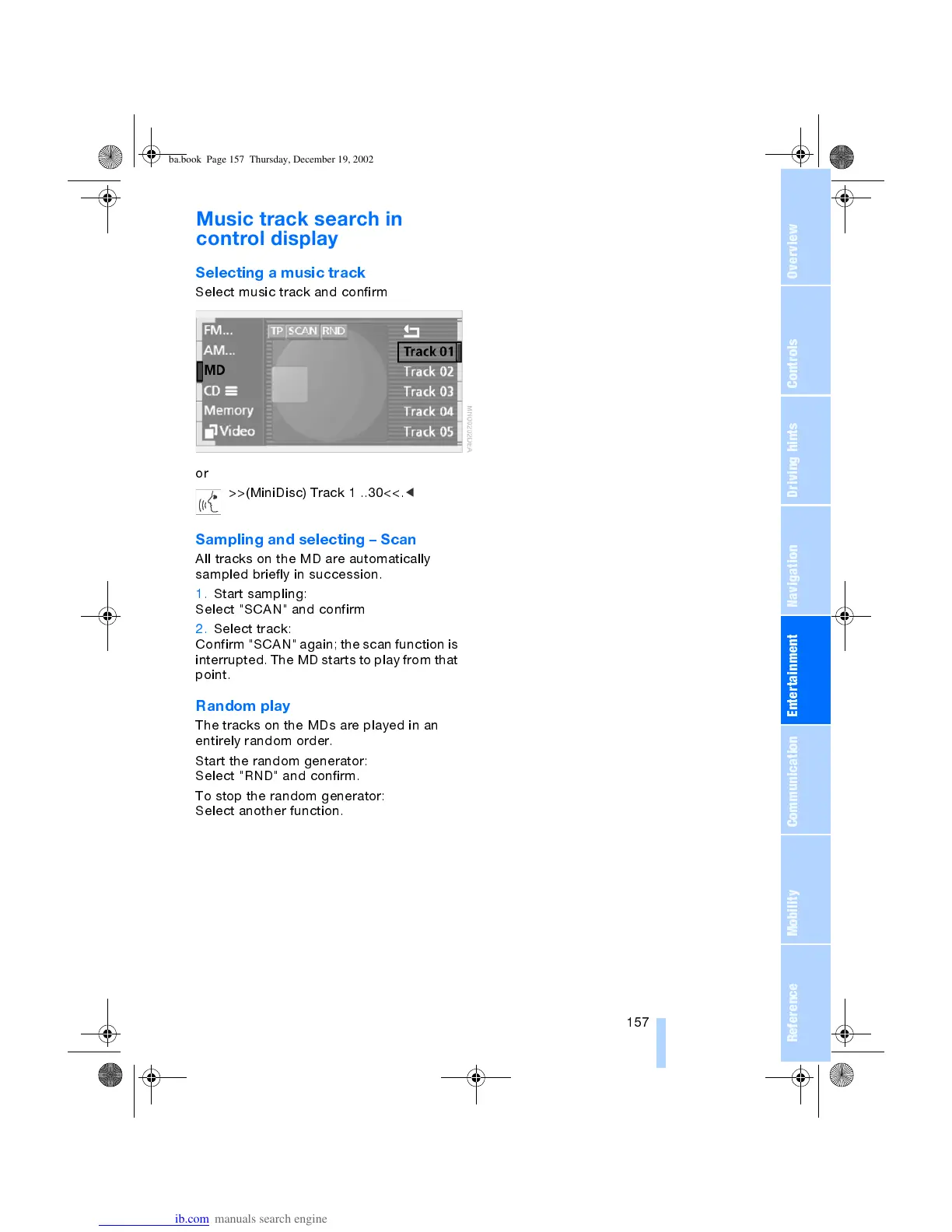
Selecting a music track
Select music track and confirm
or
>>(MiniDisc) Track 1 ..30<<.
<
Sampling and selecting Scan
All tracks on the MD are automatically
sampled briefly in succession.
1. Start sampling:
Select "SCAN" and confirm
2. Select track:
Confirm "SCAN" again; the scan function is
interrupted. The MD starts to play from that
point.
Random play
The tracks on the MDs are played in an
entirely random order.
Start the random generator:
Select "RND" and confirm.
To stop the random generator:
Select another function.
ba.book Page 157 Thursday, December 19, 2002 8:13 PM



 To Next Page