Overview of the telephone
180
Inserting batteries
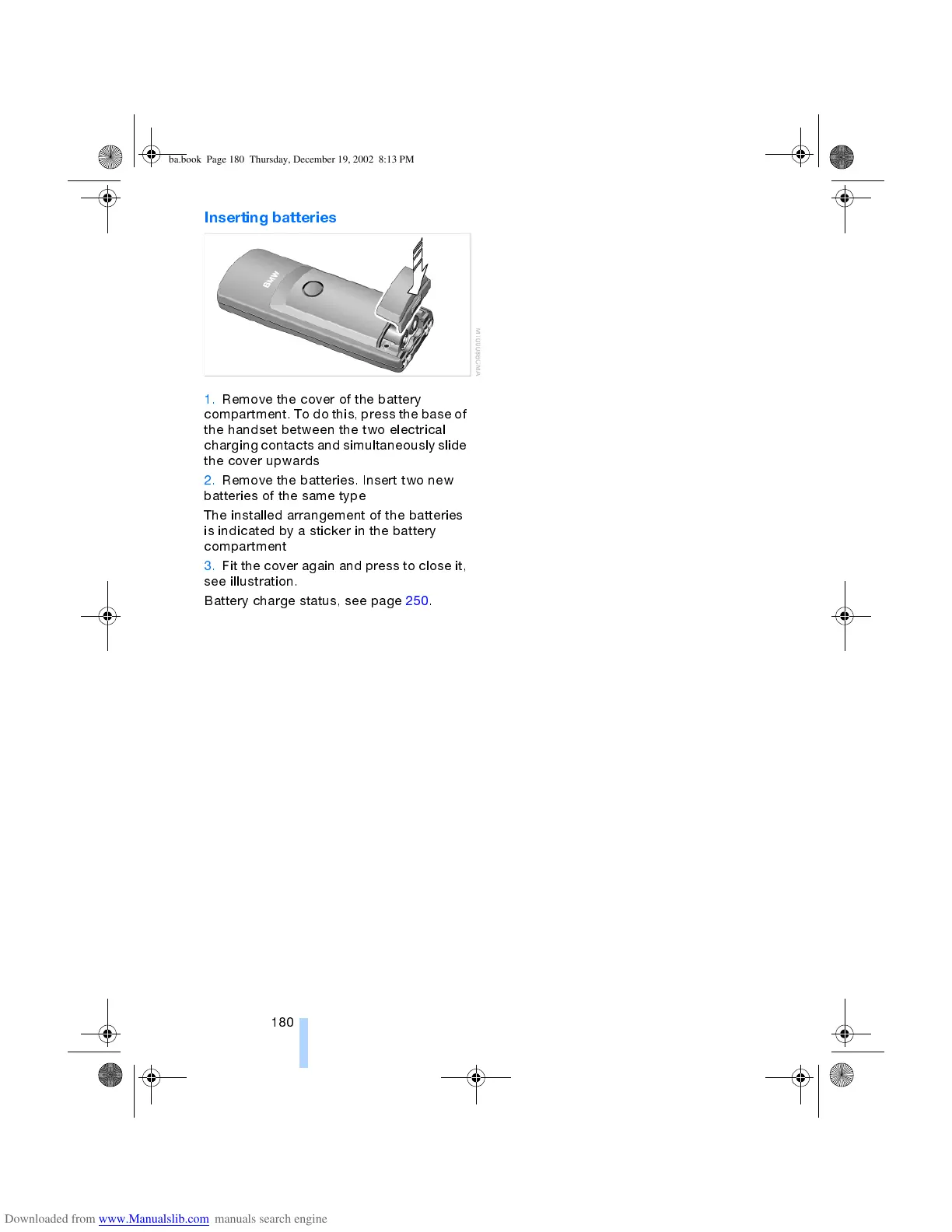
1. Remove the cover of the battery
compartment. To do this, press the base of
the handset between the two electrical
charging contacts and simultaneously slide
the cover upwards
2. Remove the batteries. Insert two new
batteries of the same type
The installed arrangement of the batteries
is indicated by a sticker in the battery
compartment
3. Fit the cover again and press to close it,
see illustration.
Battery charge status, see page 250.
ba.book Page 180 Thursday, December 19, 2002 8:13 PM



 To Next Page