OverviewControlsDriving hintsCommunication NavigationEntertainmentMobilityReference
211
Handset at rear
*
If your car is equipped with a second handset at the rear,
you can also perform all functions described in these oper-
ating instructions from the rear seat. You can in addition
divert calls from one handset to the other.
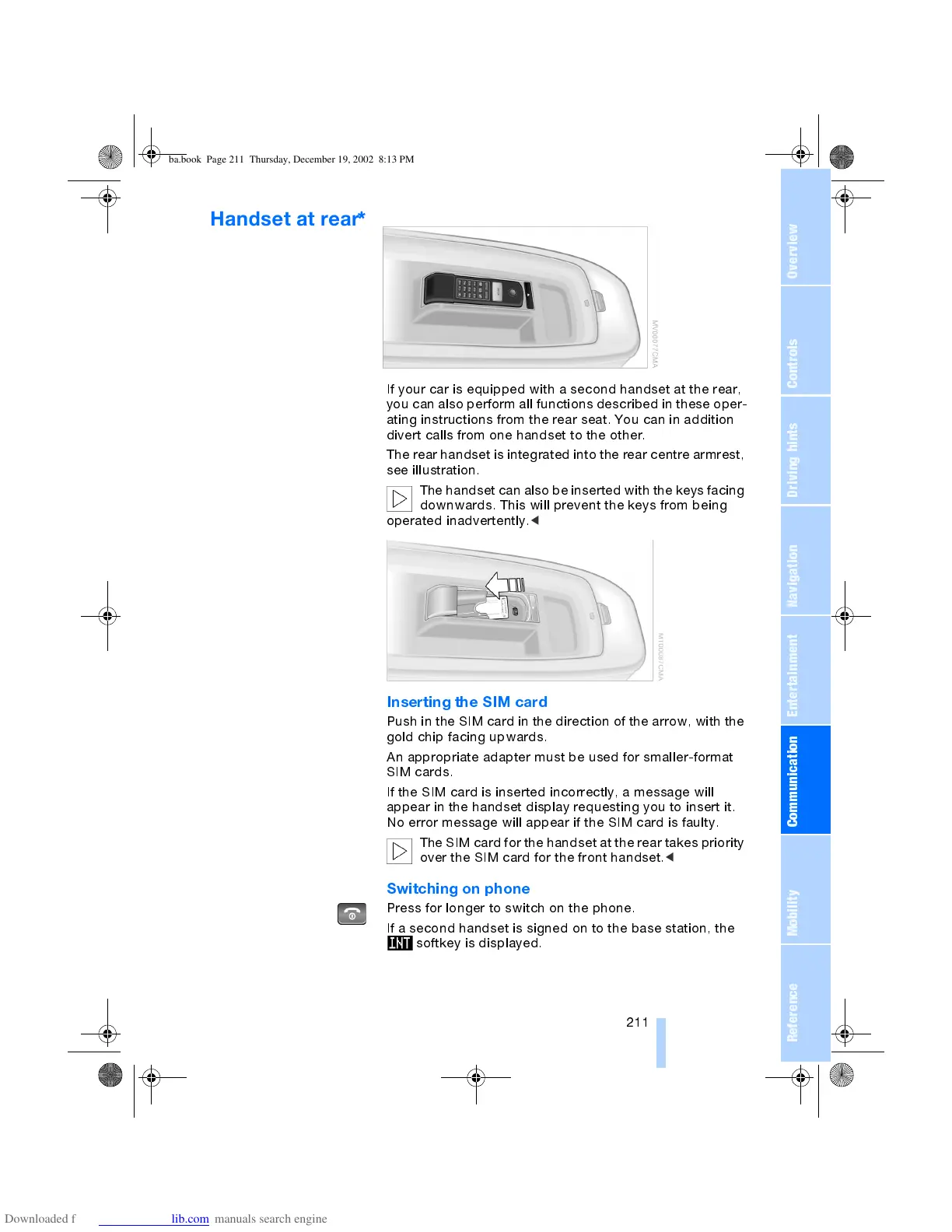
The rear handset is integrated into the rear centre armrest,
see illustration.
The handset can also be inserted with the keys facing
downwards. This will prevent the keys from being
operated inadvertently.
<
Inserting the SIM card
Push in the SIM card in the direction of the arrow, with the
gold chip facing upwards.
An appropriate adapter must be used for smaller-format
SIM cards.
If the SIM card is inserted incorrectly, a message will
appear in the handset display requesting you to insert it.
No error message will appear if the SIM card is faulty.
The SIM card for the handset at the rear takes priority
over the SIM card for the front handset.
<
Switching on phone
Press for longer to switch on the phone.
If a second handset is signed on to the base station, the
softkey is displayed.
ba.book Page 211 Thursday, December 19, 2002 8:13 PM



 To Next Page