Telephone operation via the keypad
220
1000-65534
Select
Select.
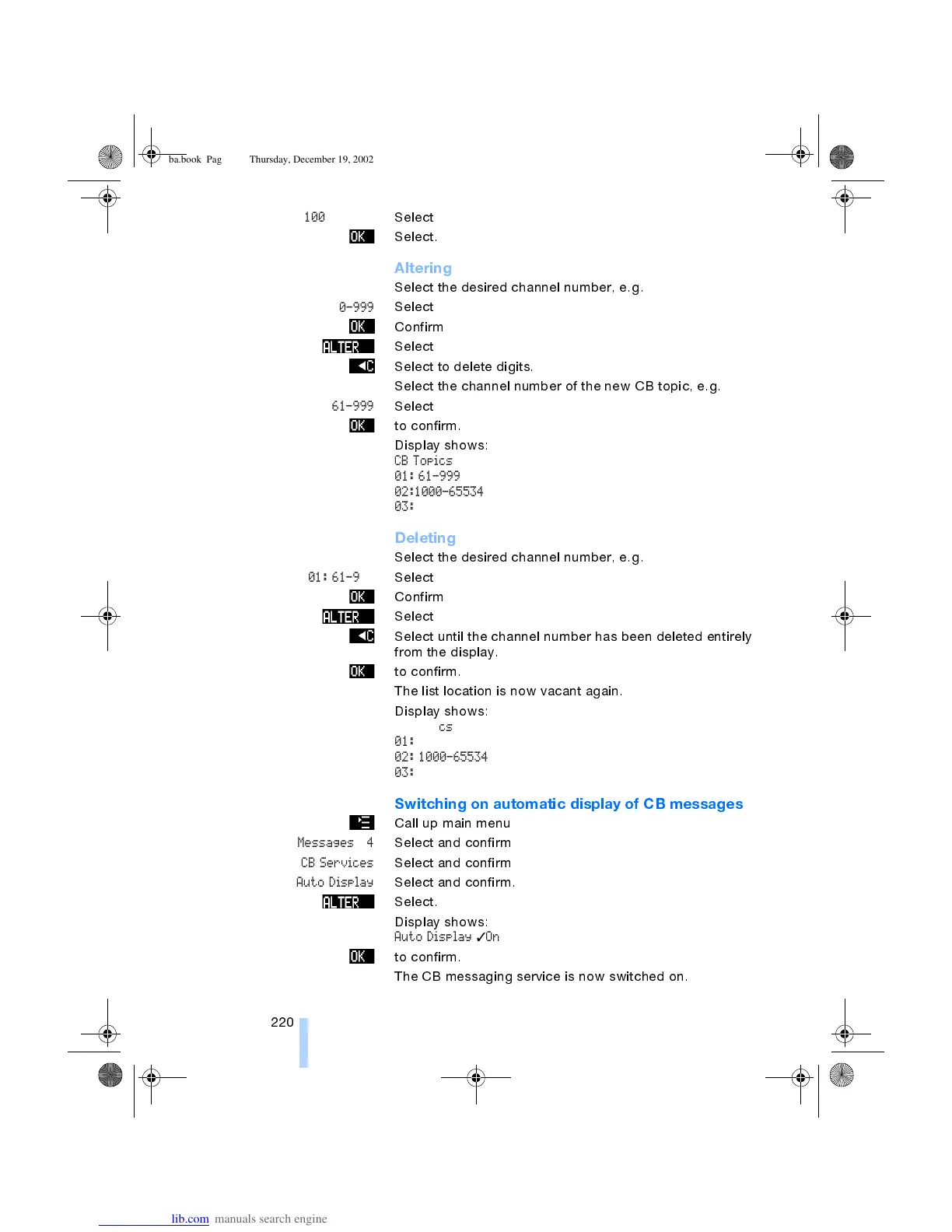
Altering
Select the desired channel number, e.g.
01: 0-999
Select
Confirm
Select
Select to delete digits.
Select the channel number of the new CB topic, e.g.
61-999
Select
to confirm.
Display shows:
CB Topics
01: 61-999
02:1000-65534
03:
Deleting
Select the desired channel number, e.g.
01: 61-999
Select
Confirm
Select
Select until the channel number has been deleted entirely
from the display.
to confirm.
The list location is now vacant again.
Display shows:
CB Topics
01:
02: 1000-65534
03:
Switching on automatic display of CB messages
Call up main menu
Messages 4
Select and confirm
CB Services
Select and confirm
Auto Display
Select and confirm.
Select.
Display shows:
Auto Display
✓
On
to confirm.
The CB messaging service is now switched on.
ba.book Page 220 Thursday, December 19, 2002 8:13 PM



 To Next Page