Displays�and�Controls�2018
4.�Display�Elements
29
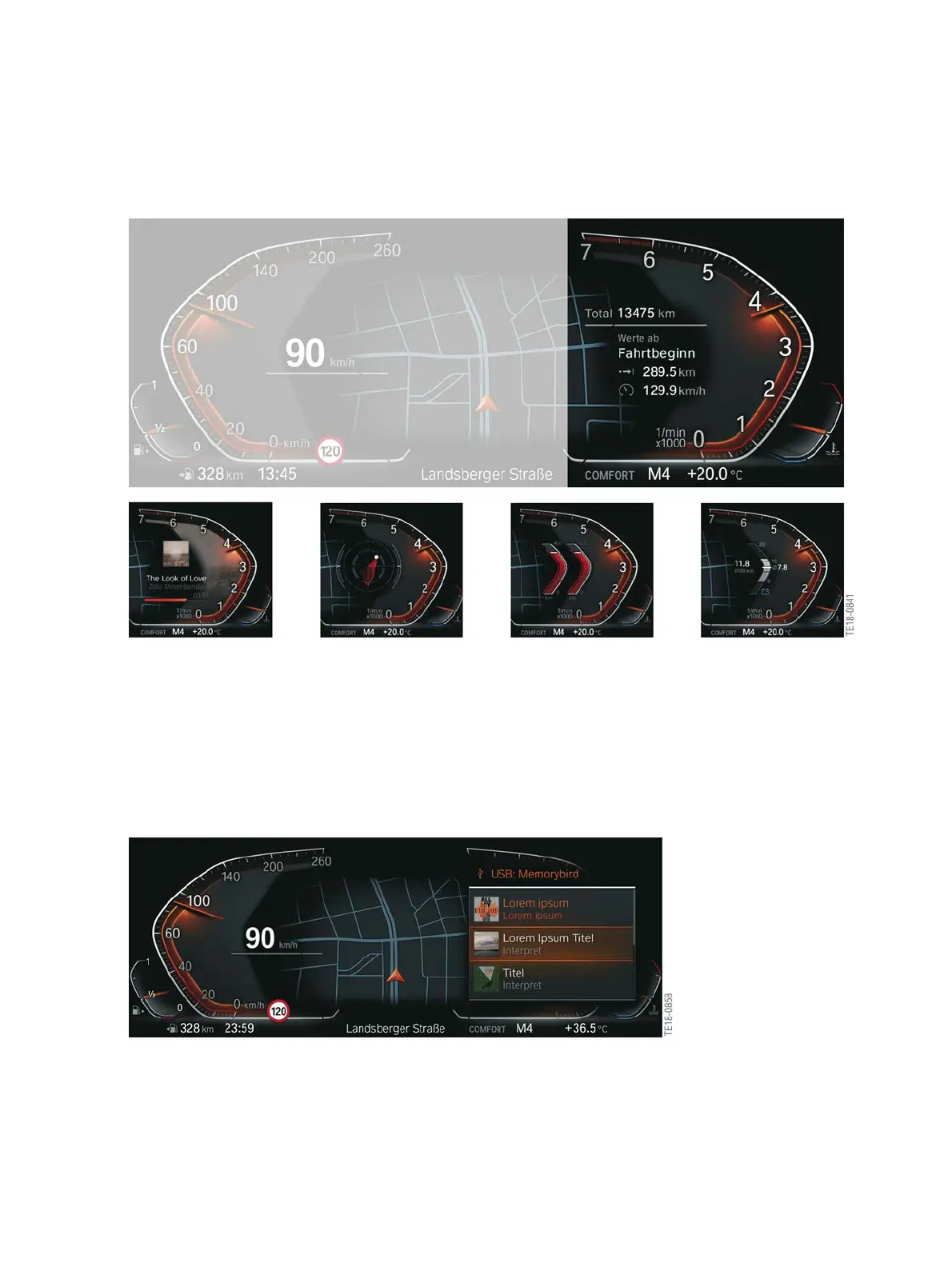
The�following�graphic�shows�selected�widgets�in�the�instrument�cluster.
Content�of�displays�in�the�instrument�cluster
4.1.5.�Entertainment�list
The�entertainment�list�contains�an�overview�of�all�set�entertainment�sources.�The�entertainment�list
is�called�up�using�the�selection�list�button�on�the�multifunction�steering�wheel.�After�the�source�is
selected�you�are�taken�to�the�respective�radio�stations�or�music�tracks.�You�can�also�select�these�using
the�knurled�wheel.�The�list�is�either�shown�in�the�instrument�cluster�or�in�the�Head‐Up�Display.�The
"Displays"�menu�determines�where�the�content�should�be�displayed.
Entertainment�list
Some�of�the�widgets�can�only�be�displayed�in�one�of�the�3�displays�(Instrument�Cluster,�Central
Information�Display�or�BMW�Head-Up�Display).



 To Next Page