Displays�and�Controls�2018
5.�Showroom�Mode
36
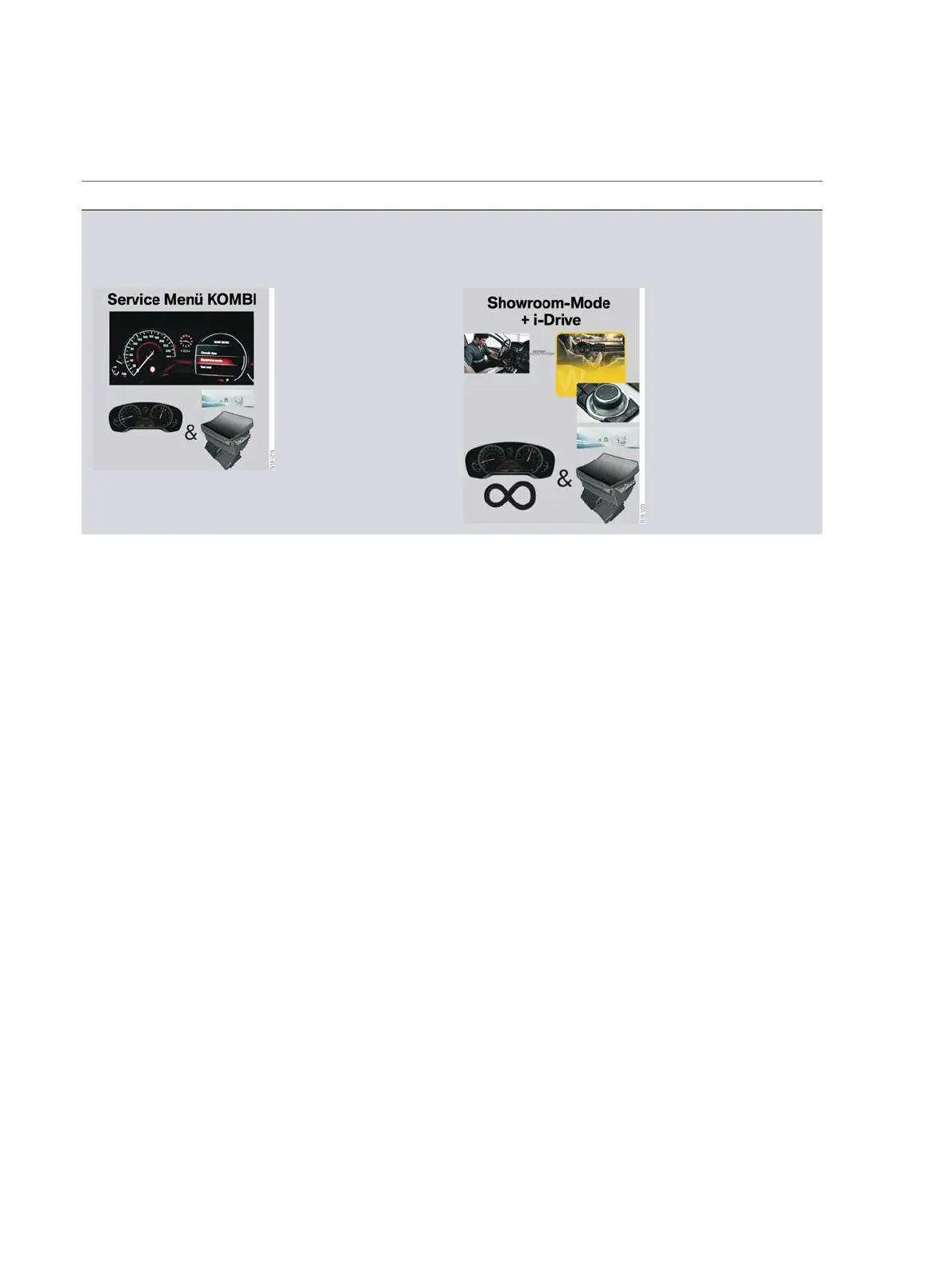
Service�menu,�instrument�cluster Showroom�mode
Demo�mode�BMW�Head-Up�Display�and
instrument�cluster�via�activation�of�the�Service
menu�in�the�instrument�cluster.
Demo�mode�BMW�Head-Up�Display�and
instrument�cluster�integrated�in�Showroom
mode�as�continuous�loop.�Activation�via�ISTA.
Demo�mode�is�no�longer�interrupted�by�a�CC�message�in�vehicles�with�the�Service�Pack�2018.
More�information�about�Showroom�mode�can�be�found�in�the�product�information�Infotainment
2017.
5.2.1.�Demo�mode�navigation
In�addition�to�the�Showroom�mode�of�the�BMW�Head-Up�Display,�a�demo�mode�of�the�navigation�can
be�started�for�the�showroom.�Here�you�input�a�destination�in�the�system�and�start�the�Demo�mode
from�the�options.�Then�a�simulation�of�the�route�guidance�is�displayed�in�the�Central�Information
Display�and�in�the�instrument�cluster.�This�is�a�similar�function�to�the�antenna�view�from�the�vehicles
with�ID5�and�ID6.



 To Next Page