Displays�and�Controls�2018
1.�Introduction
1
1.1.�Further�information
This�product�information�introduces�the�new�features�of�and�adaptations�to�the�display�and�controls.
The�focus�is�particularly�on�system-specific�features.�The�vehicle-specific�descriptions�of�the
display�and�operating�elements�can�be�found�in�the�product�information�G05�Displays�and�Controls
and�G15�Displays�and�Controls.
1.2.�Overview
With�the�introduction�of�the�new�Head�Unit�High�3�(HU-H3),�a�new�display�and�operating�concept�(ID7)
is�used�at�BMW.�The�head�unit�functions�of�the�new�user�interface�are�displayed�in�the�12.3"�Central
Information�Display.
In�the�G12�the�user�interface�ID5�was�introduced.�This�was�designed�especially�for�touch�operation.
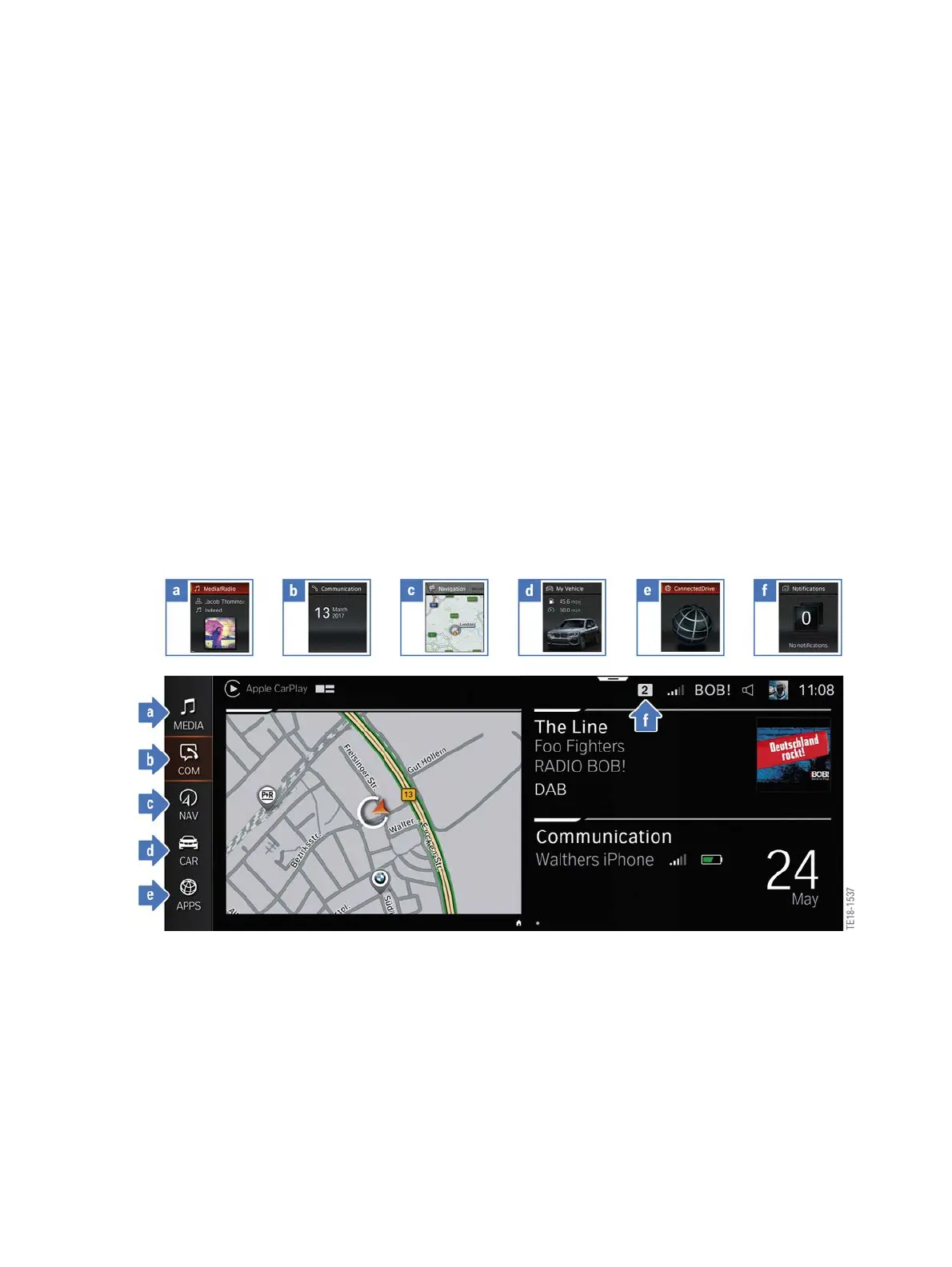
In�the�G30,�ID6�with�tiles,�which�can�show�the�content�in�real�time,�was�introduced�shortly�thereafter.
ID7�is�also�designed�for�touch�operation.�The�most�obvious�difference�is�the�display�of�the�tiles.�With
ID7�they�are�described�as�widgets�and�can�be�individually�arranged.
Comparison�of�division�of�menus�for�ID6�and�ID7
The�multi-functional�instrument�panel�receives�a�completely�new�design�and�extended�display
options.�The�Central�Information�Display�and�the�multi-functional�instrument�panel�continue�to�form�a
single�unit�for�ID7.
Besides�the�controller�and�the�touch�operation,�new�gestures�enable�an�even�better�way�of
performing�certain�functions.
The�voice�control�system�is�based�on�that�of�the�G12.�The�hardware�in�the�head�unit�is�prepared�for�a
functional�enhancement�in�the�near�future.



 To Next Page