General operation
2
12
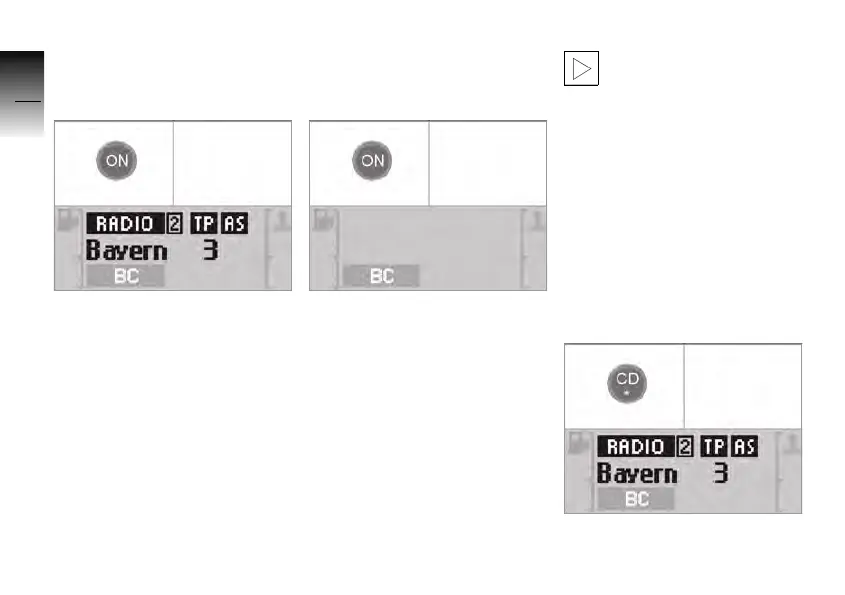
Switching on the audio
system
• Switch on ignition.
• Press the ON button.
» The audio system is in the
operating mode last used.
Switching off the audio
system
• Press the ON button.
» The radio is switched off.
» Radio display is switched off.
If the ignition is switched off
when the radio is on, the radio
remains on for approx.
20 minutes.
The radio switches off auto-
matically as soon as the stee-
ring lock is set.
If the vehicle electronics
detect that the battery is
low, the radio is switched off
even when the ignition is swit-
ched on. In this case, the radio
can be switched on again as
soon as the battery has been
charged or the engine is run-
ning.c
Selecting the
operating mode
• Switch on the audio system.
10K26_RADIO_g1.book Seite 12 Dienstag, 15. Juni 2004 10:34 10



 To Next Page