Radio
3
20
If no station name is
broadcast in the RDS in-
formation,
RDS and the current
frequency appear in the
display.c
Regional programmes
In the FM waveband, some
stations broadcast regional
programmes at certain times;
these can only be received in
limited regions of the station
territory. Here, the REG func-
tion of the radio must be
enabled.
After switching on in the radio
operating mode or the first
time you switch to the radio
operating mode after swit-
ching on, there is a short
period where the REG function
can be enabled or disabled.
• Switch on the radio or switch
to the radio mode.
» The status of the REG func-
tion is displayed briefly.
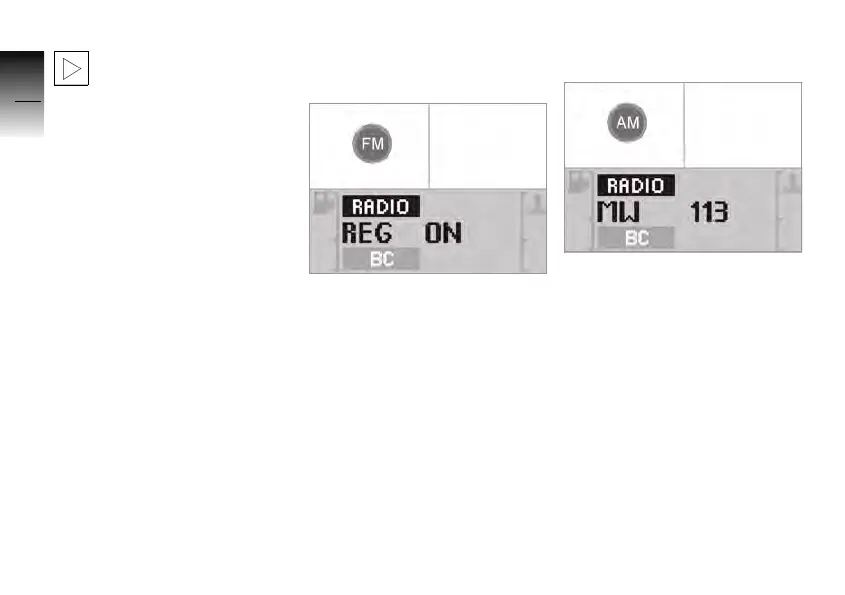
• Press the FM button to
enable or disable the REG
function.
»
REG ON: REG function
enabled.
»
REG OFF: REG function
disabled.
AM waveband
• Press the AM button.
» Every time the button is
pressed, the radio switches
between MW, LW and SW.
10K26_RADIO_g1.book Seite 20 Dienstag, 15. Juni 2004 10:34 10



 To Next Page