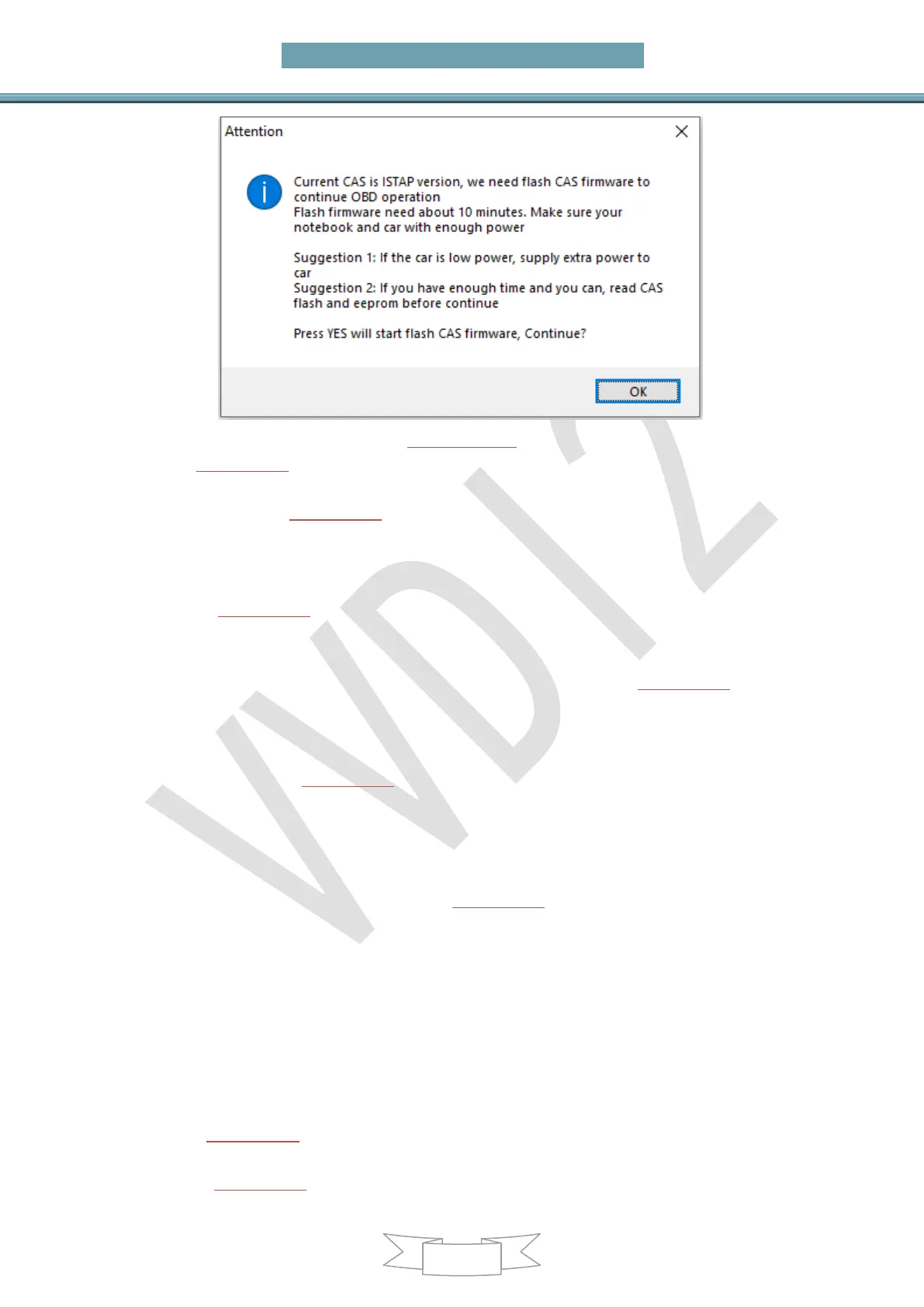
(PICTURE6.5-1)
5) In (PICTURE6.1), click Save Key Info to save the read key info
6) There’s 2 methods for prepare dealer key:
Method 1: In (PICTURE6.1), select Prepare dealer key with programmer
a) Put a new blank key to VVDI2-BMW programmer
b) Select a key position for new key (If the selected position have key already, must
use Add Key function)
c) In (PICTURE6.1), click on Prepare dealer key with programmer wait prepare key
complete
d) After make dealer key successful, try start car directly. If it start, turn to step 5). If
it not start, add the new key to CAS system with Add Key in (PICTURE6.1)
e) Trying to start the car and turn to step 5) if it could start. Attention: As for
CAS1/CAS2/CAS3 will cause car not start, you can follow chapter 4 Special
Note 2
Method 2: In (PICTURE6.1), select Prepare dealer key with ignition switch,
select key type and pre-process the blank key, insert to ignition switch again and
wait for complete. After prepare dealer key, turn to step 5). If you get failure here,
you need load key info to unlock the failed key via click unlock key before try
again
7) Click Clear DTC and Clear Shadow in (PICTURE6.1) to clear error code
8) Complete
6.5.2. All Key Lost
Attention: Details of this process, please refer to Chapter 5.3
Specific steps:
1) Active OBD communication with all key lost method
2) In (PICTURE5.1), select Connect to detect CAS type and read CAS identification
information (Attention: record CAS ID)
3) Click(PICTURE5.1) Key Learn->>>CAS key Learn to enter key learn interface in


 To Next Page