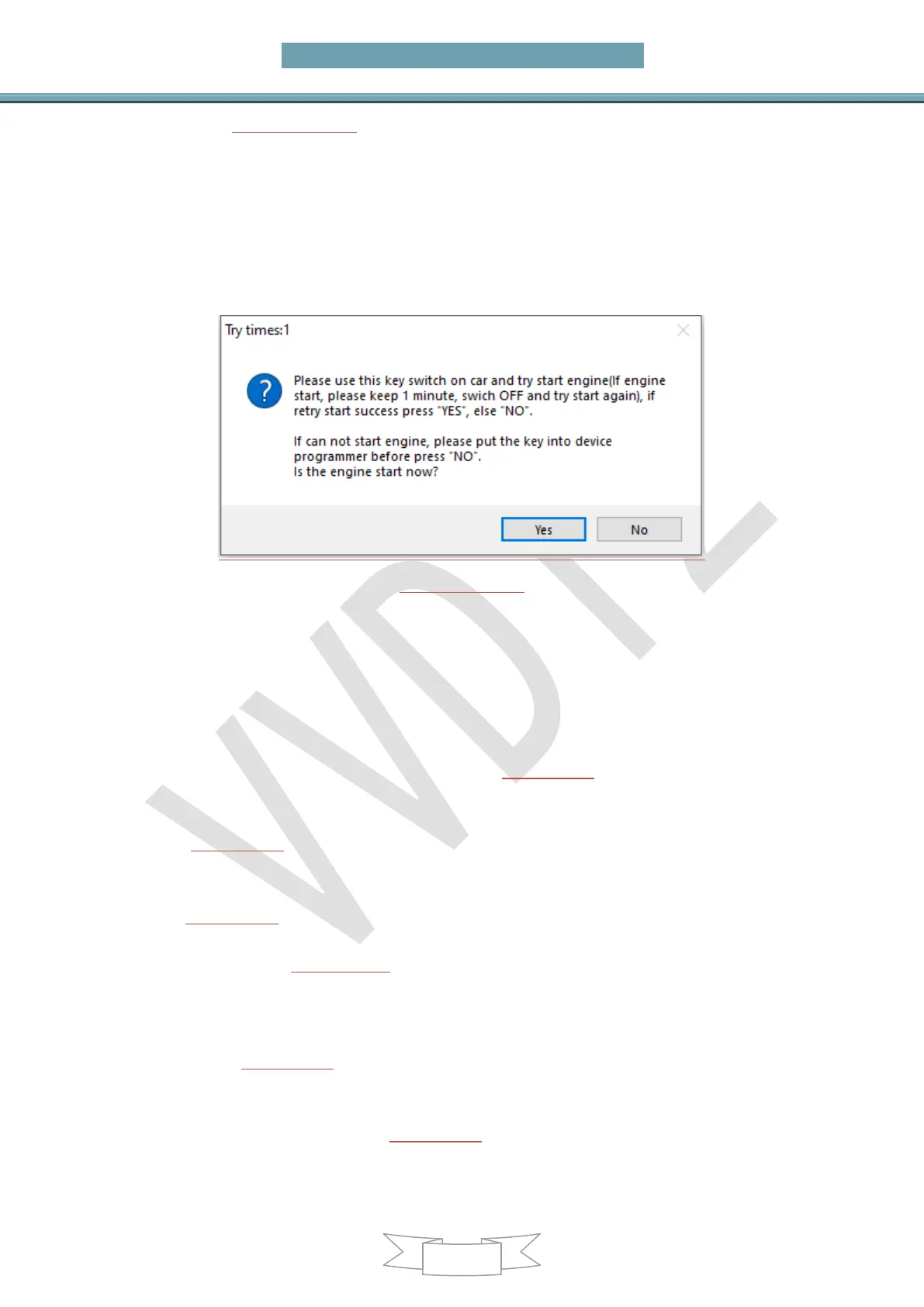
window (PICTURE 6.3-12): In the tile you can find “Try times 5” means this is the fifth
try start. If can start, press “YES”,key made successfully. If cannot start, press “NO”,
continue next try start
For other reason cause car not start after all try, the temp key is locked, you need
unlock the key with EEPROM or key info before next time test. Attention: when you
get this window, please try with this method: insert temp key to ignition switch,
try start, if not start, take key off, then insert to ignition again, try start again, if
still not start, take key off ignition and place temp key in programmer unlock it
(PICTURE 6.3-12)
6.4. CAS1/CAS2/CAS3/CAS3+Unencrypted
version make key by OBD
Main interface->>>key learn->>>CAS key learn (PICTURE6.1)
Attention: For details of this process, please refer to Chapter 5.2
Prepare new key steps: All key lost is same with add key
1) In (PICTURE6.1), use Connect to detect CAS type and read CAS identification
information, key cut code (used to cut key), remote frequency (used to generate
remote)
2) In (PICTURE6.1) , press Save Key Info save original key information
3) There are two ways to prepare the dealer key
Method1: In (PICTURE 6.1), select Prepare dealer key with programmer
A) Put a new key into the VVDI2 programmer
B) Select the position where you want to write the key (if there is a key in this position,
you must use the add key function)
C) Click (PICTURE6.1)to prepare dealer key with programmer to wait for the key
generation to complete
D) After the generation is successful, try to start. If it can start car, go to step 5). If it
cannot start car, use Add Key in (PICTURE6.1) to add the new generated key to the CAS
system
E) Try to start car. If it can start car, go to step 5). Attention: If CAS1/CAS2/CAS3


 To Next Page