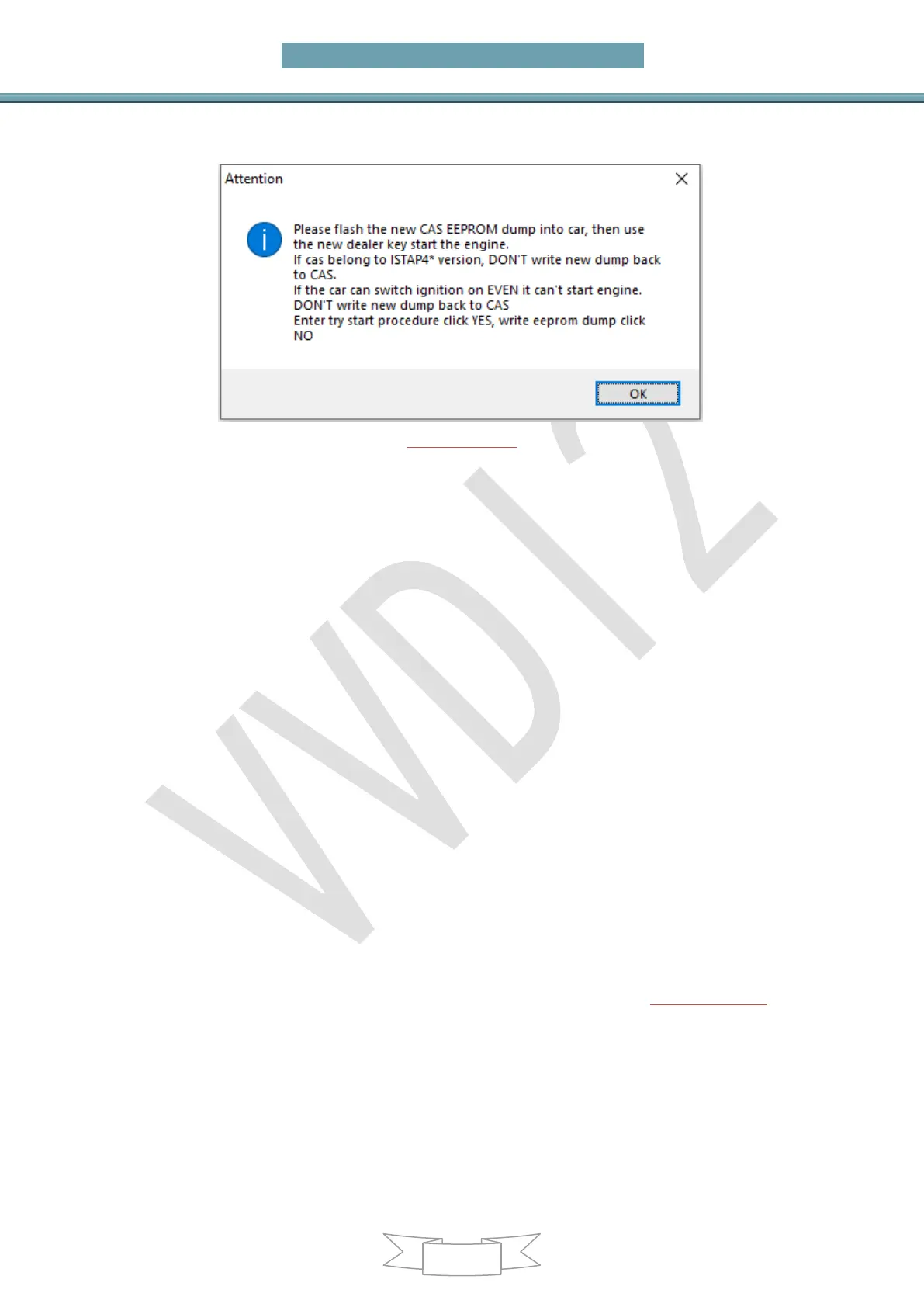
EEPROM data, and if the key cannot turn on the instrument please confirm that
the key position is enabled
(PICTURE7.1-4)
7.2 File make key
EEPROM-EWS1/EWS2/EWS3/EWS4/CAS1/CAS2/CA
S3 (include all key lost)
Attention: Please refer to Chapter 7.1 for the detailed description of this
process
All key lost have same method with add key
Main menu interface ->>>Key learning->>>File generation key->>>Select right
EWS/CAS type in main menu, load EEPROM dump file(BIN file),(PICTURE 7.2-1) is
File Make Key window after load EWS3 EEPROM dump. Shown “PCF 7935 EML
used” means there already have a key; Shown “PCF 7935 EML not use” mean this
position doesn’t have key. Select a key position, put blank PCF7935 transponder and
wait it complete. Not need write back EEPROM dump


 To Next Page