Mounting the Wallbox
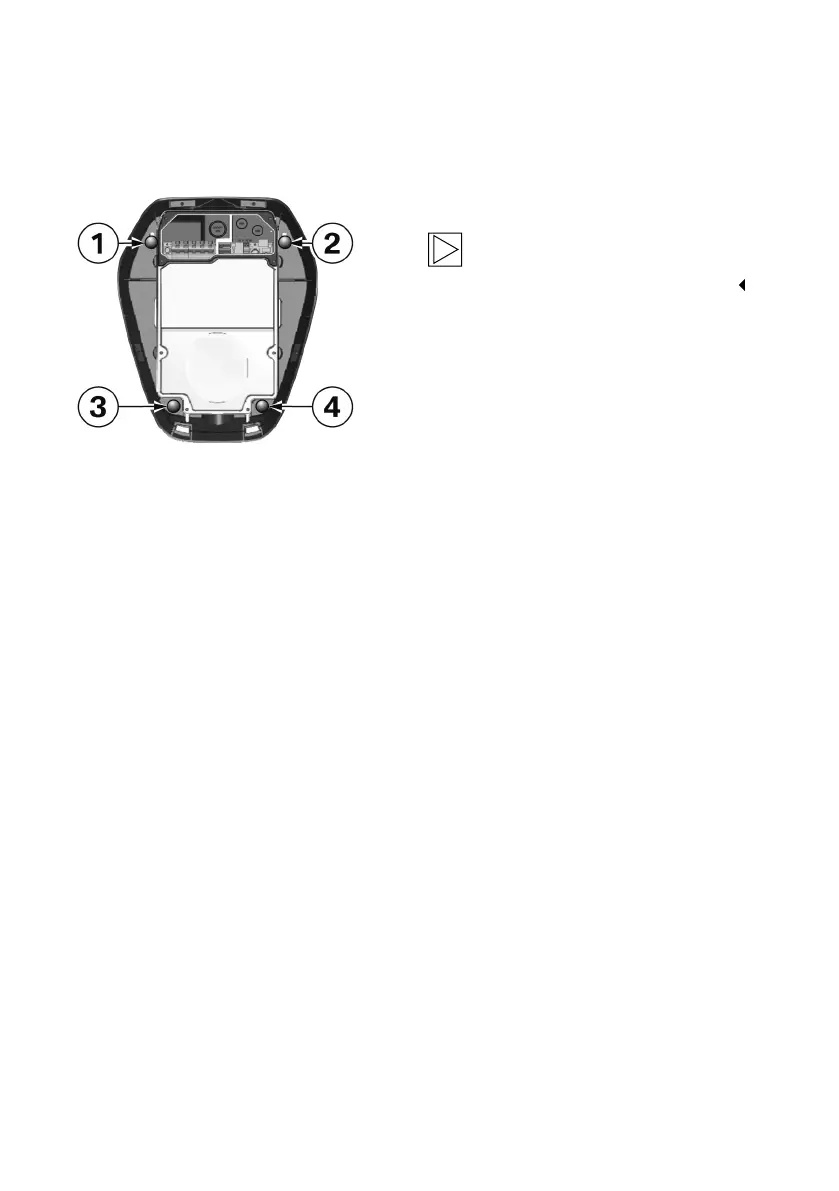
1. After the cables are inserted, mount the
Wallbox onto the two top wafer-head screws 1
and 2.
Note
Ensure that the supply cable is correctly
routed to the rear and is not jammed.
2. Tighten the wafer-head screws 1 and 2.
3. Then secure the Wallbox with the two bottom
wafer-head screws 3 and 4.
4. Wrap the charging cable around the Wallbox for
safe storage, see operating instructions.
26



 To Next Page