31
Driver Installation
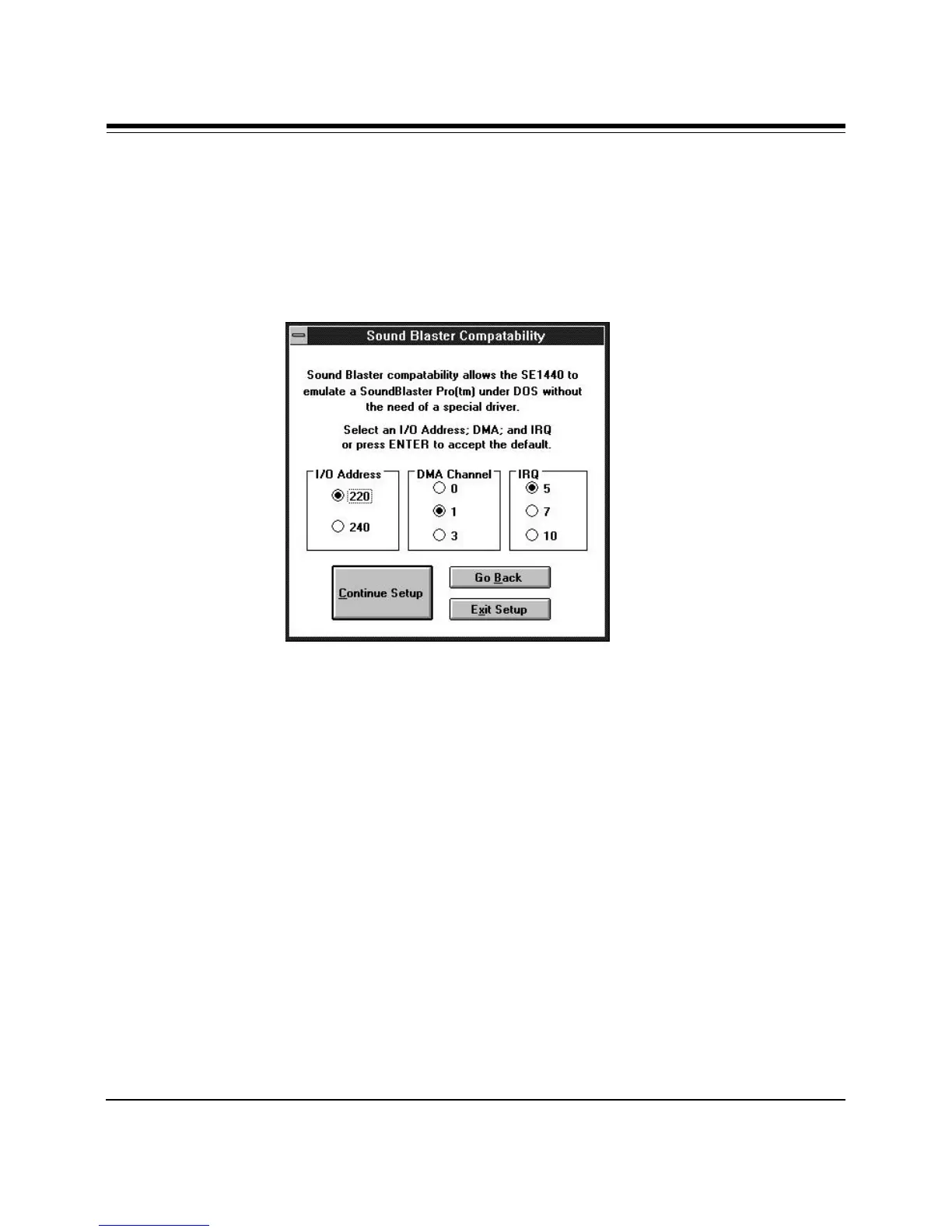
6. Next, the Sound Blaster Compatibility dialog box appears. This allows
the SE1440 to emulate a Sound Blaster Pro
tm
under DOS without the
need of a special driver. Specify I/O address (220 or 240, DMA Channel
(0, 1, or 3), and IRQ (5, 7, or 10).
Make your selections or accept the defaults and select Continue Setup.
7. The Windows Sound System dialog box is then displayed. You will
normally want to leave the defaults as they are. You may always change
these settings later in the Drivers section of the Control Panel.



 To Next Page